
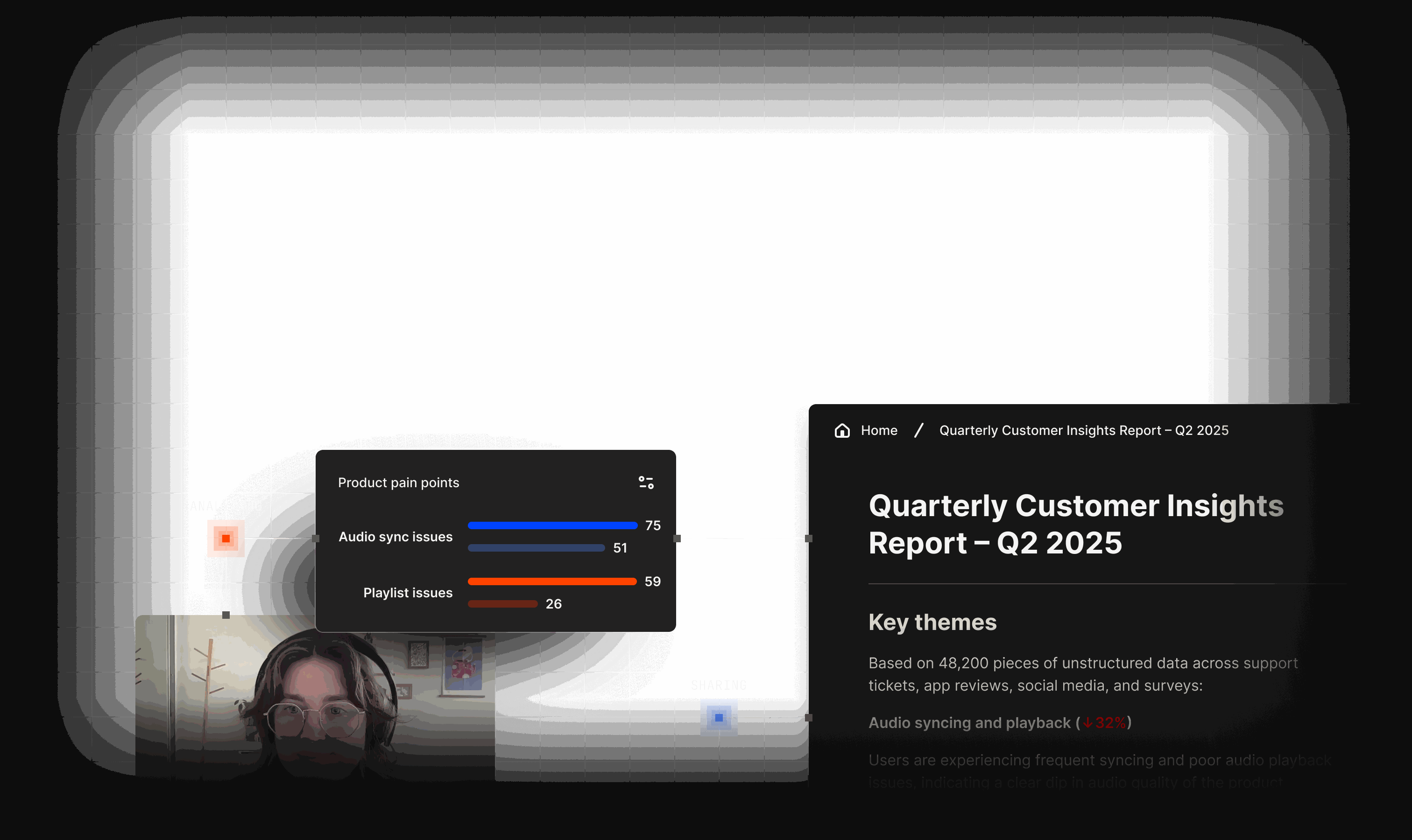
Know every account before the call
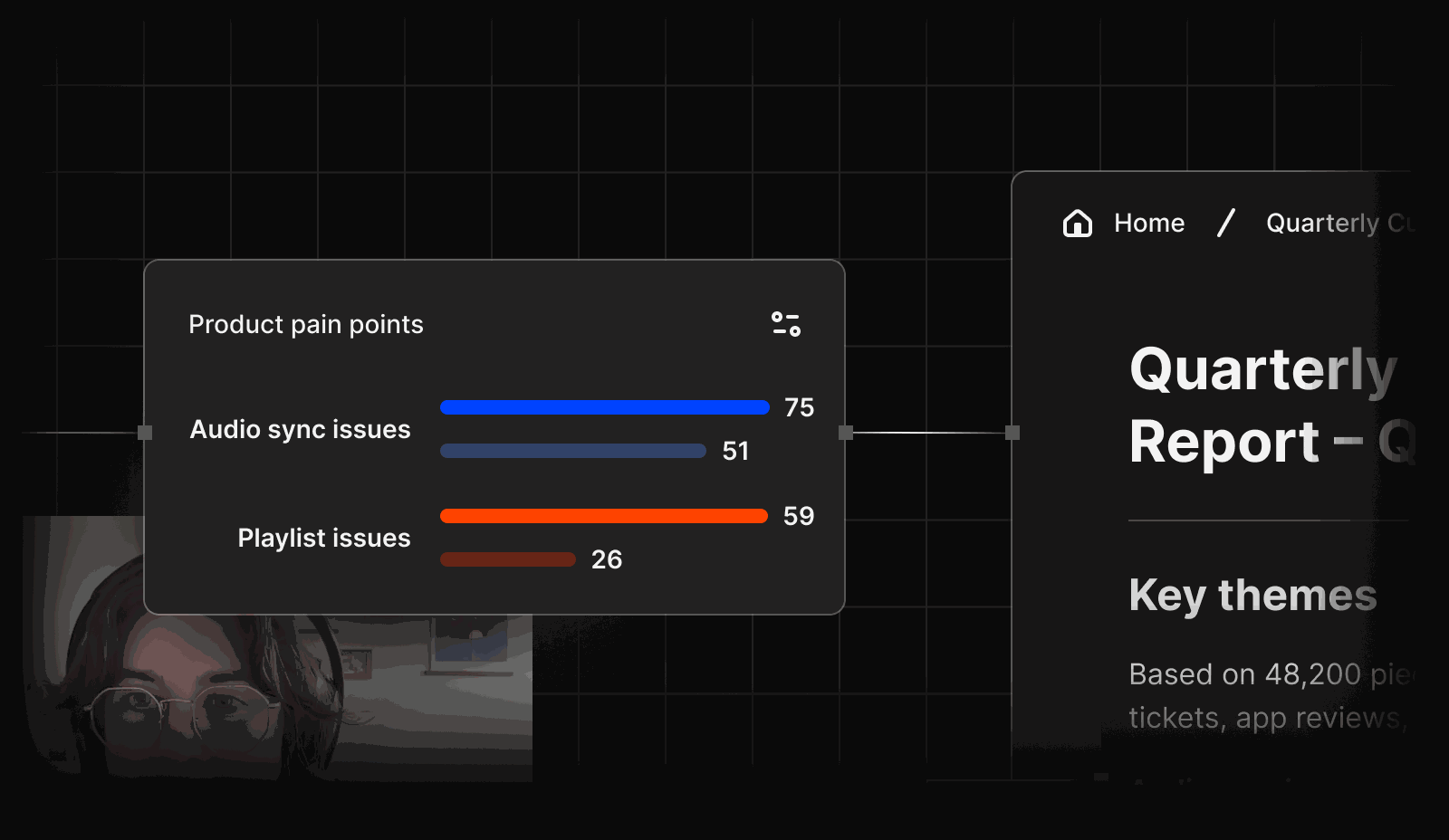

Act before your customers have to ask
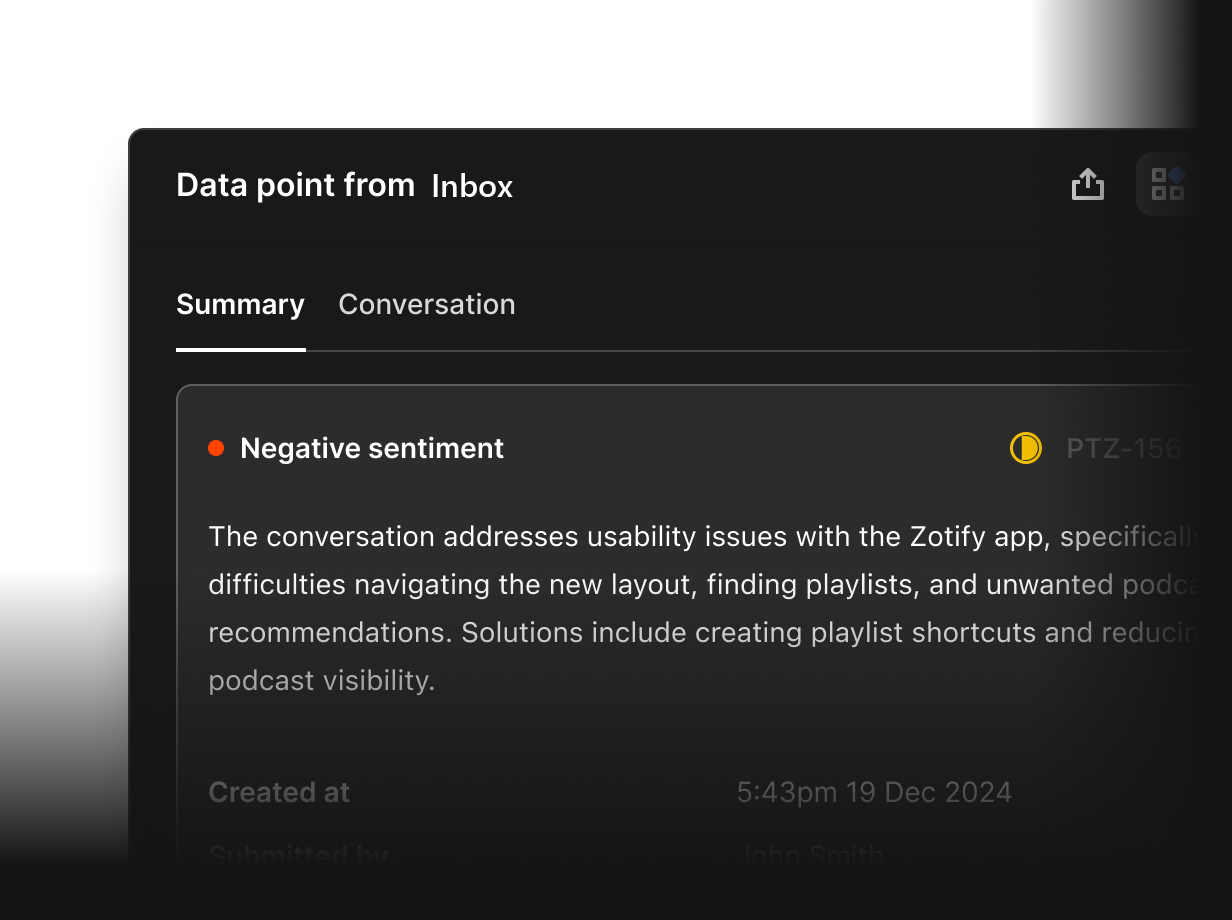
Account health from every conversation
Emails, WhatsApp messages and call transcripts land in one thread per contact, so account health reflects what customers actually said.
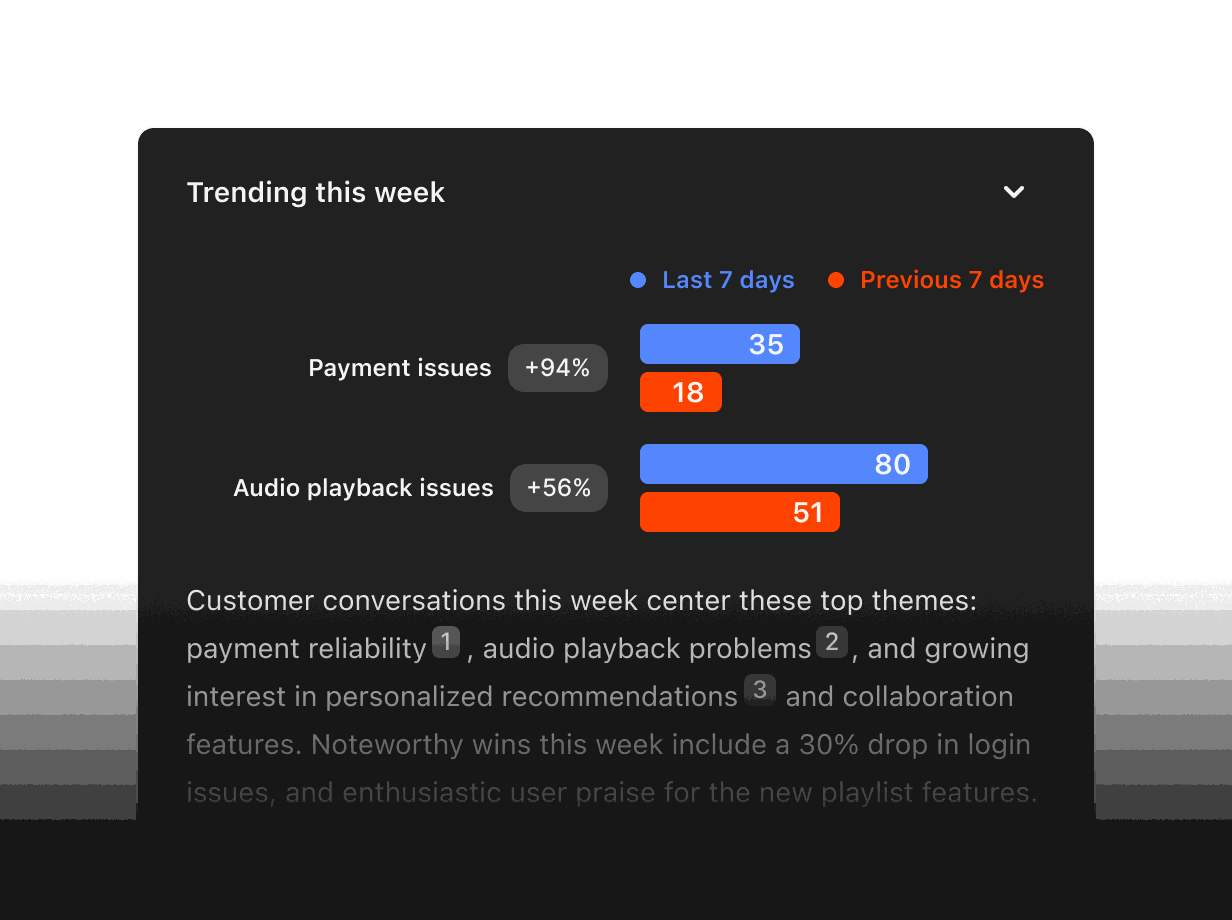
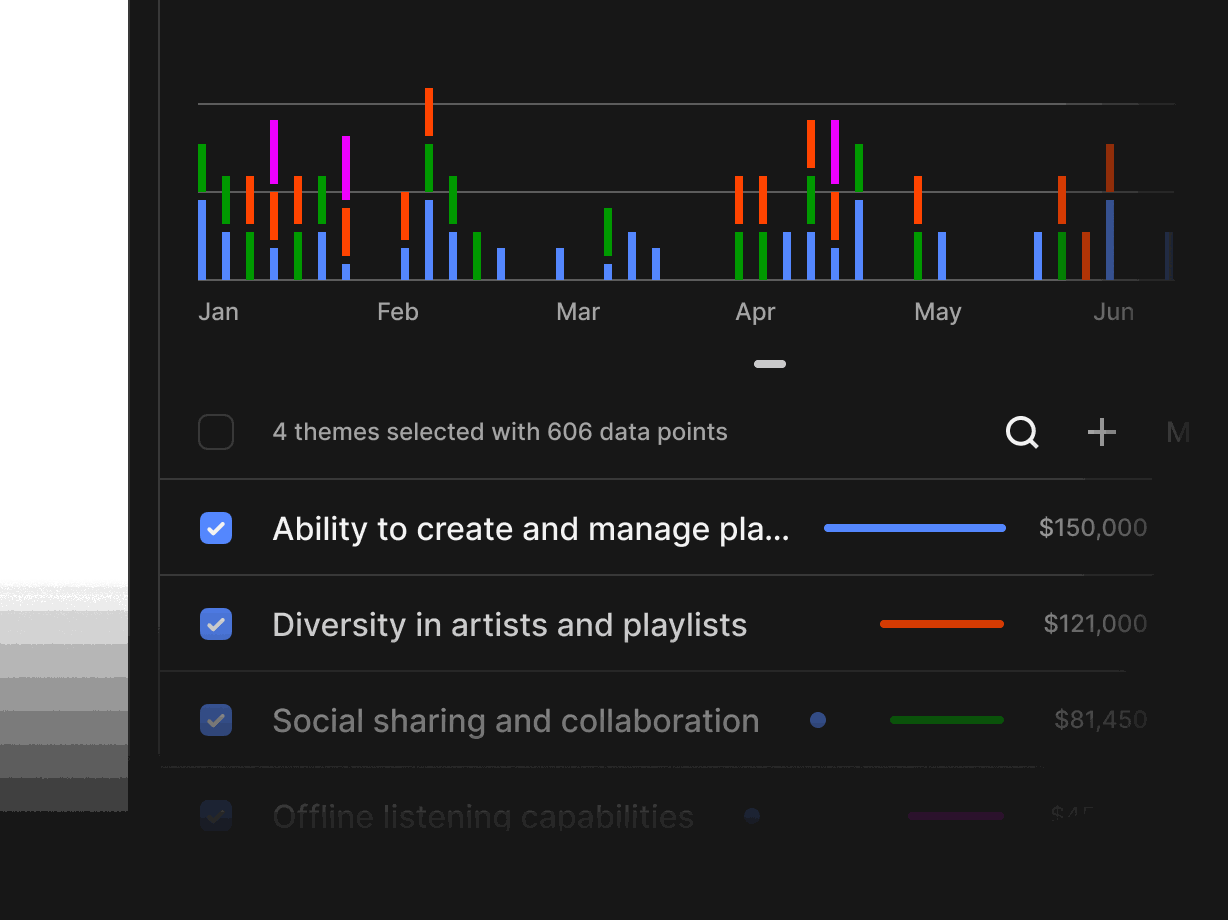
Catch churn signals early
Agents flag falling engagement, repeated complaints and unanswered threads across your whole book, not just the loudest accounts.
Spot expansion before renewal
Rilt surfaces new teams, seat requests and upgrade questions from your conversations, and hands a warm, sourced opportunity to sales.
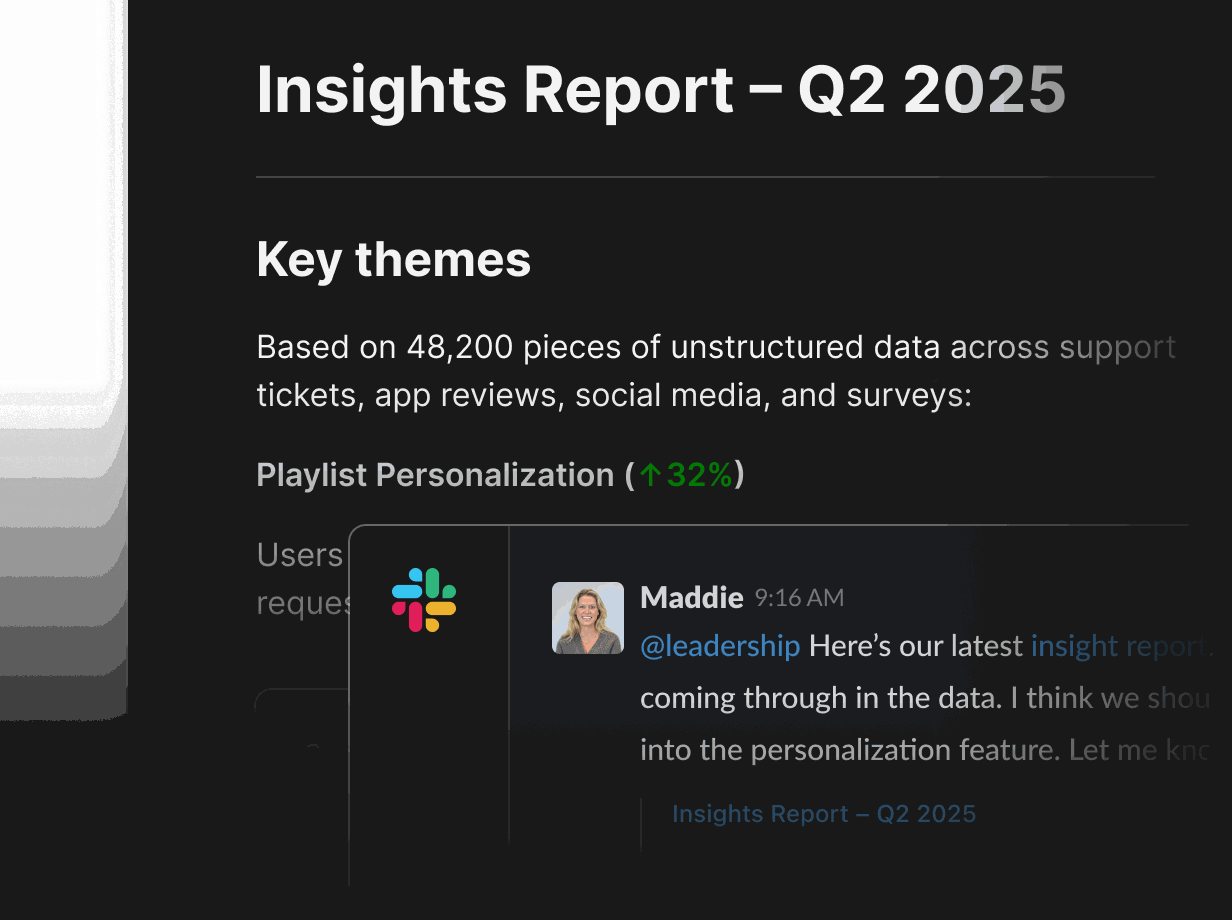
QBR drafts with Docs
Docs drafts QBR decks and account briefs from the CRM, with every point linked to the call or email it came from. Share them in Slack.
-
Gmail and Outlook
Sync your inbox so every customer email lands on the right account. Agents draft check-ins and follow-ups for you to approve.
-
Google Calendar
QBRs, onboarding sessions and check-ins appear on the account timeline, with a brief ready before each meeting starts.
-
WhatsApp Business
Bring customer WhatsApp conversations into Inbox, one thread per contact, next to email and call transcripts.
-
Zoom
Zoom transcripts attach to the right account, with risks, requests and action items pulled out automatically.
-
Google Meet
Google Meet transcripts land on the account record, so you can ask Rilt what a customer said in any past call.
-
Slack
Get churn flags, renewal reminders and account summaries in Slack, and ask Rilt about any account from your channel.
-
Stripe
See plan, billing and payment status next to each account, so renewal and expansion conversations start with the facts.
-
Zapier
Connect Rilt to your support desk or product tools through Zapier, and trigger agents when something important happens.
-
HubSpot import
Import accounts, contacts and history from HubSpot in a few steps, linked to the right records from day one.
-
Salesforce import
Move accounts and activity over from Salesforce without losing context, with owners and stages mapped for you.
See how agents use your channels
Practical ways CS teams use Rilt AI
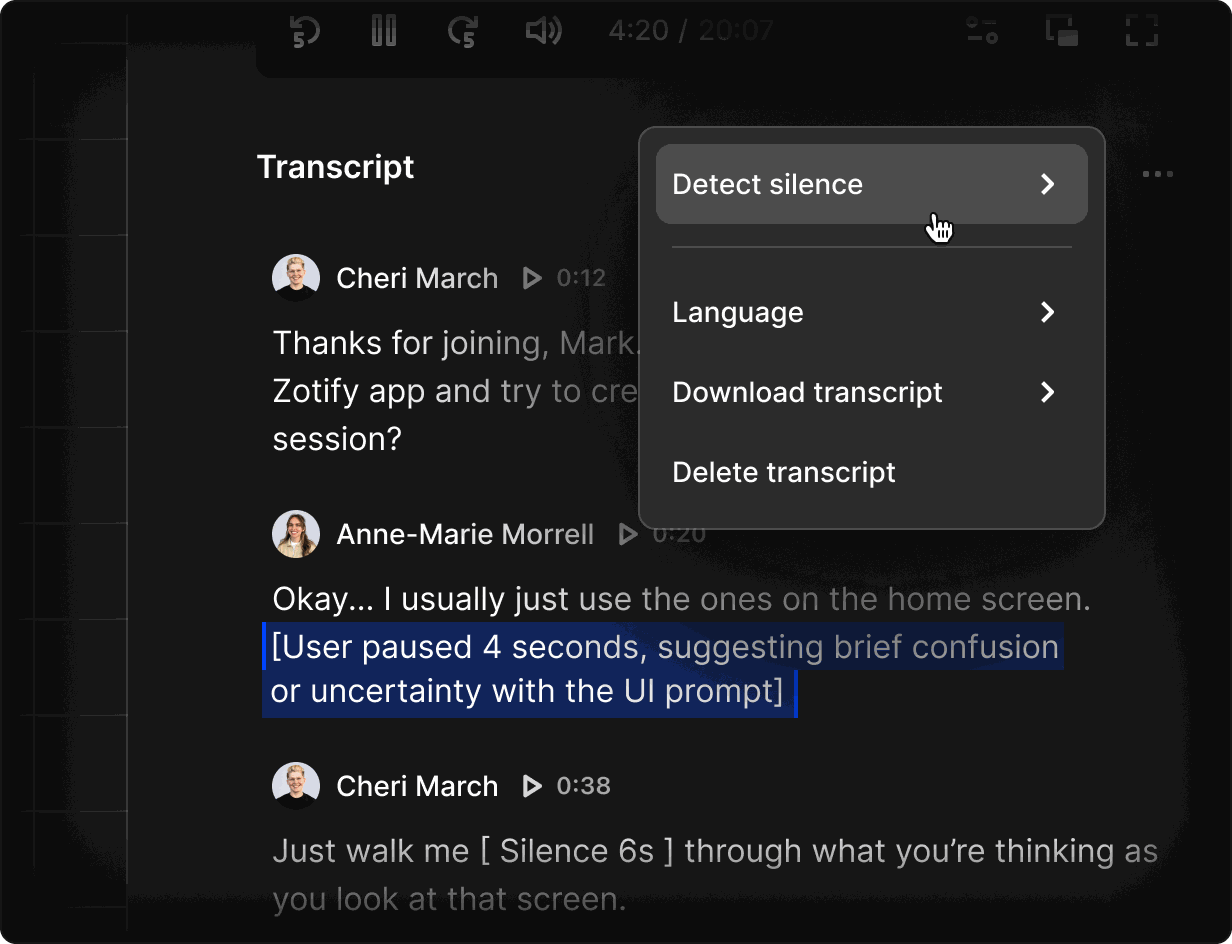
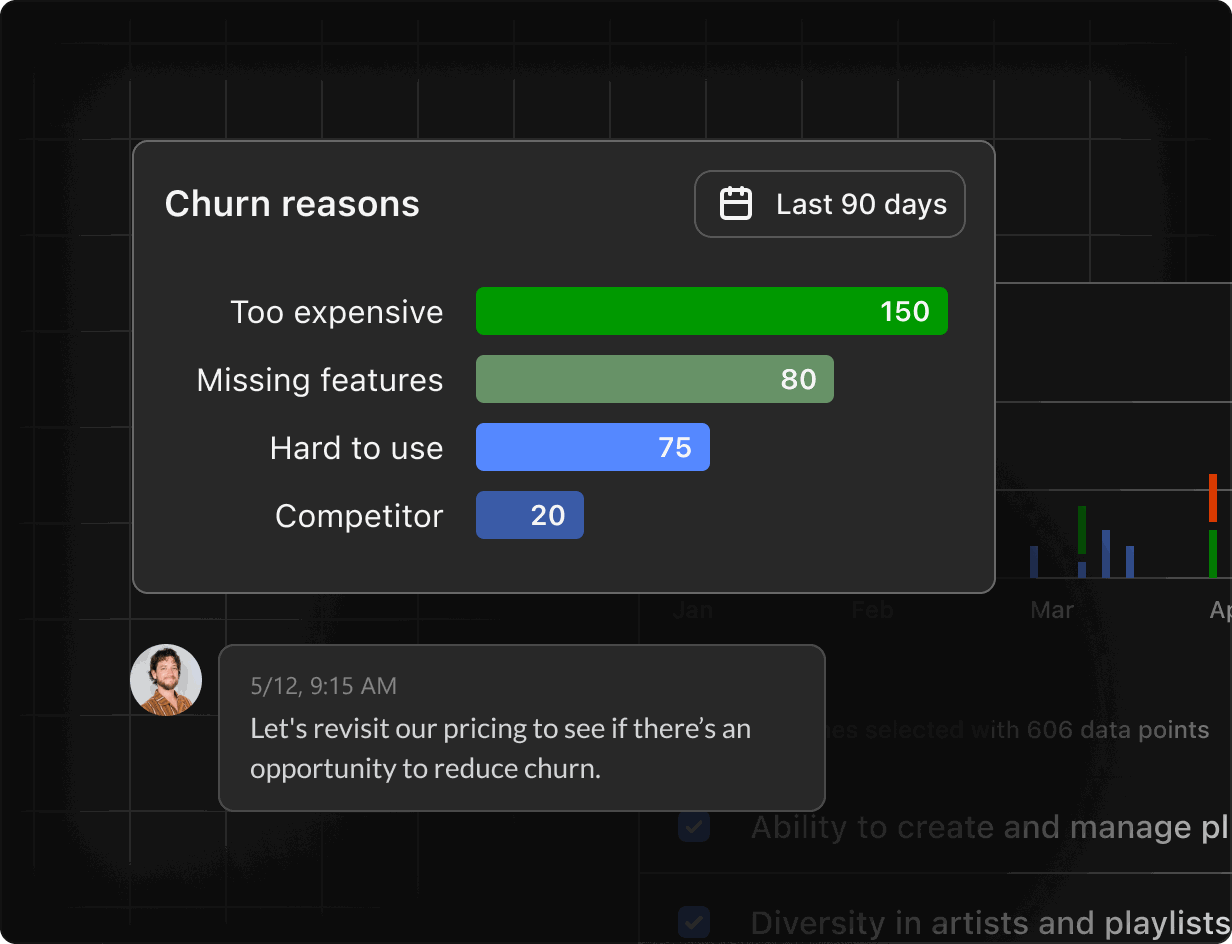
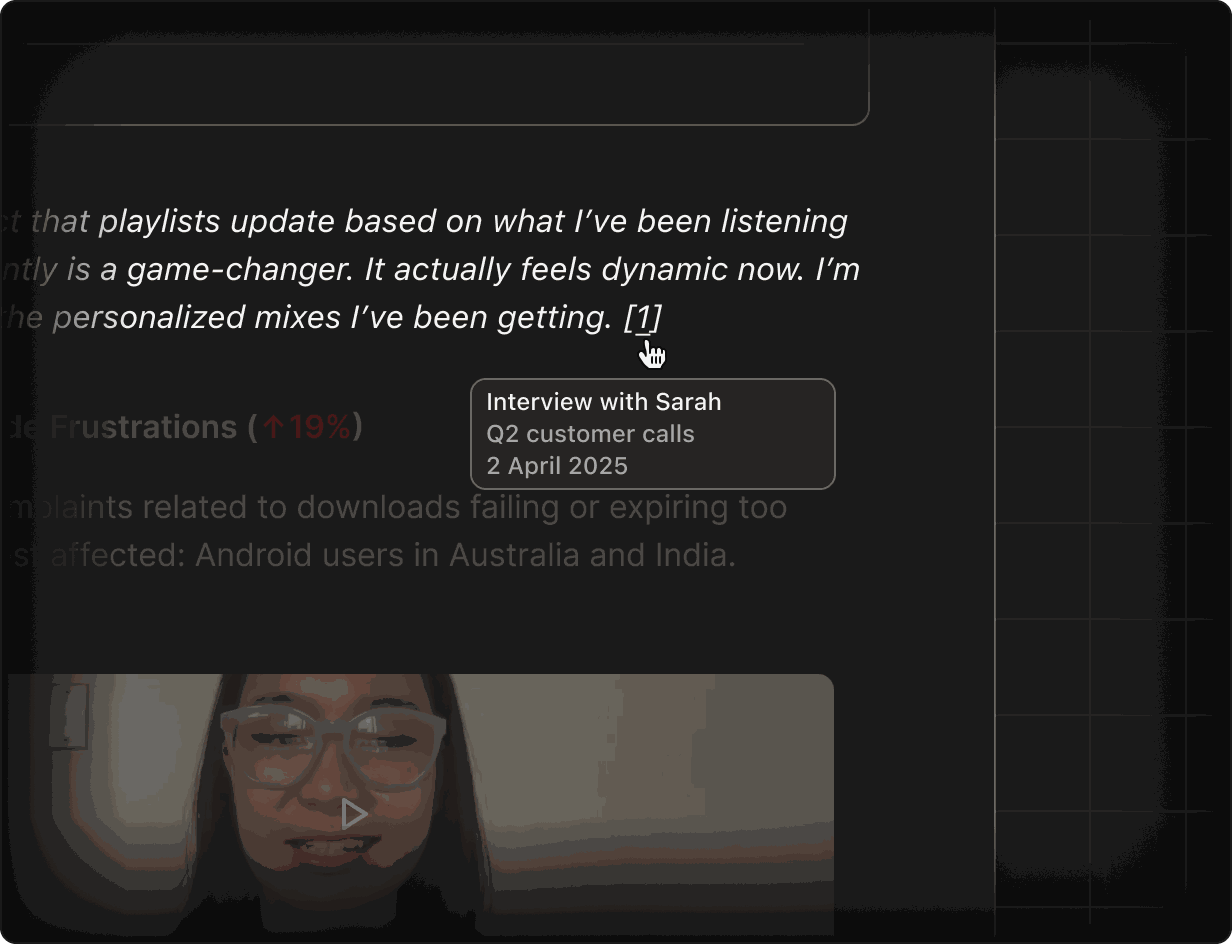
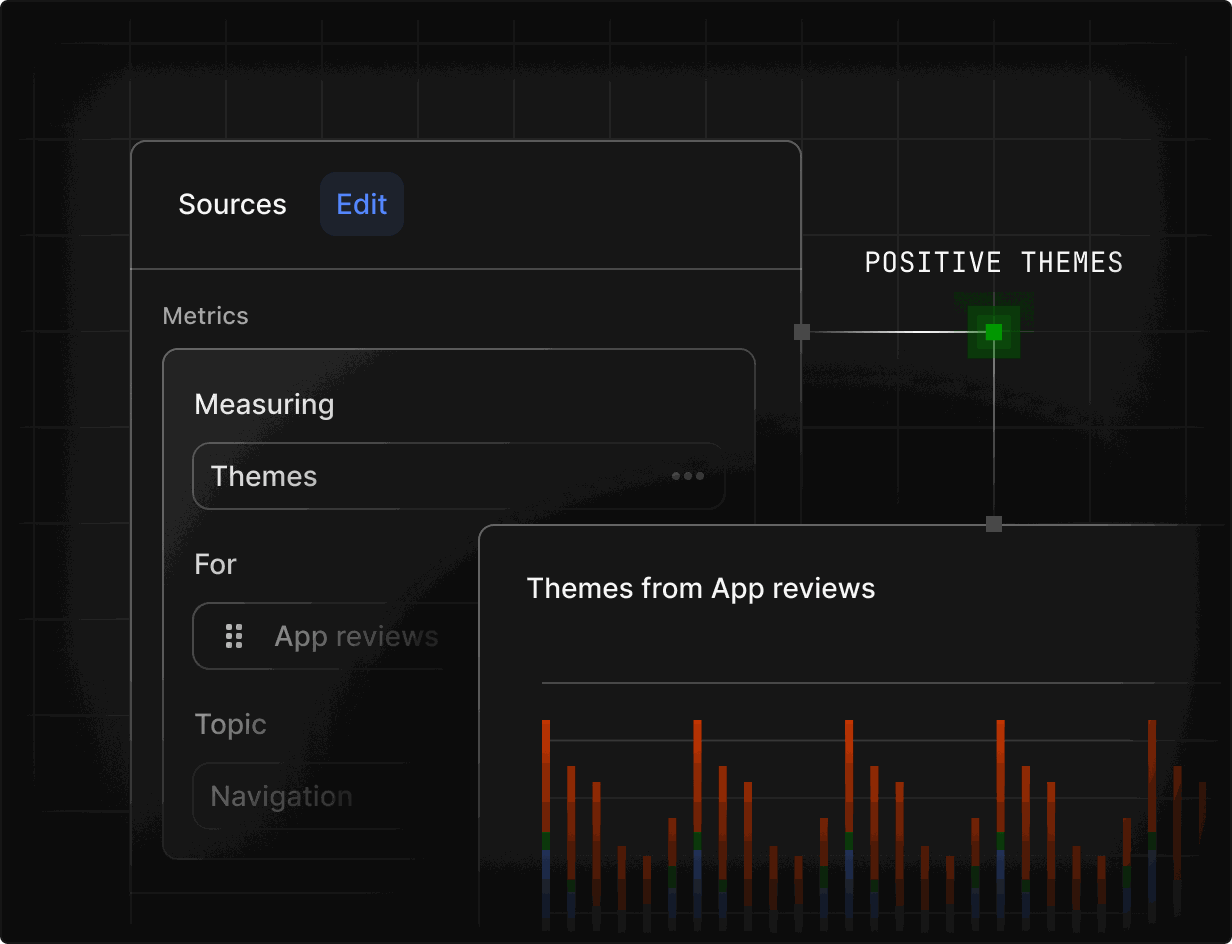
Ask Rilt for a renewal brief and get usage, open issues, sentiment and key moments from past calls in one place. Every point links back to the conversation it came from.
FAQs
Yes. Inbox brings email, WhatsApp Business and call transcripts from Zoom and Google Meet into one thread per contact, linked to the right account.
Agents monitor every account for falling engagement, negative sentiment and unanswered threads, and flag risk early with a link to the conversation behind it.
Yes. Docs drafts QBR decks, renewal briefs and handover notes from CRM evidence. Every claim links back to the call, email or record it came from.
When Rilt spots an expansion signal, it can create a deal or notify the account owner in Slack, with the source conversation attached so sales has full context.
Yes. Sales, onboarding, support conversations and renewals live on the same account timeline, so everyone sees one complete picture of every customer.