
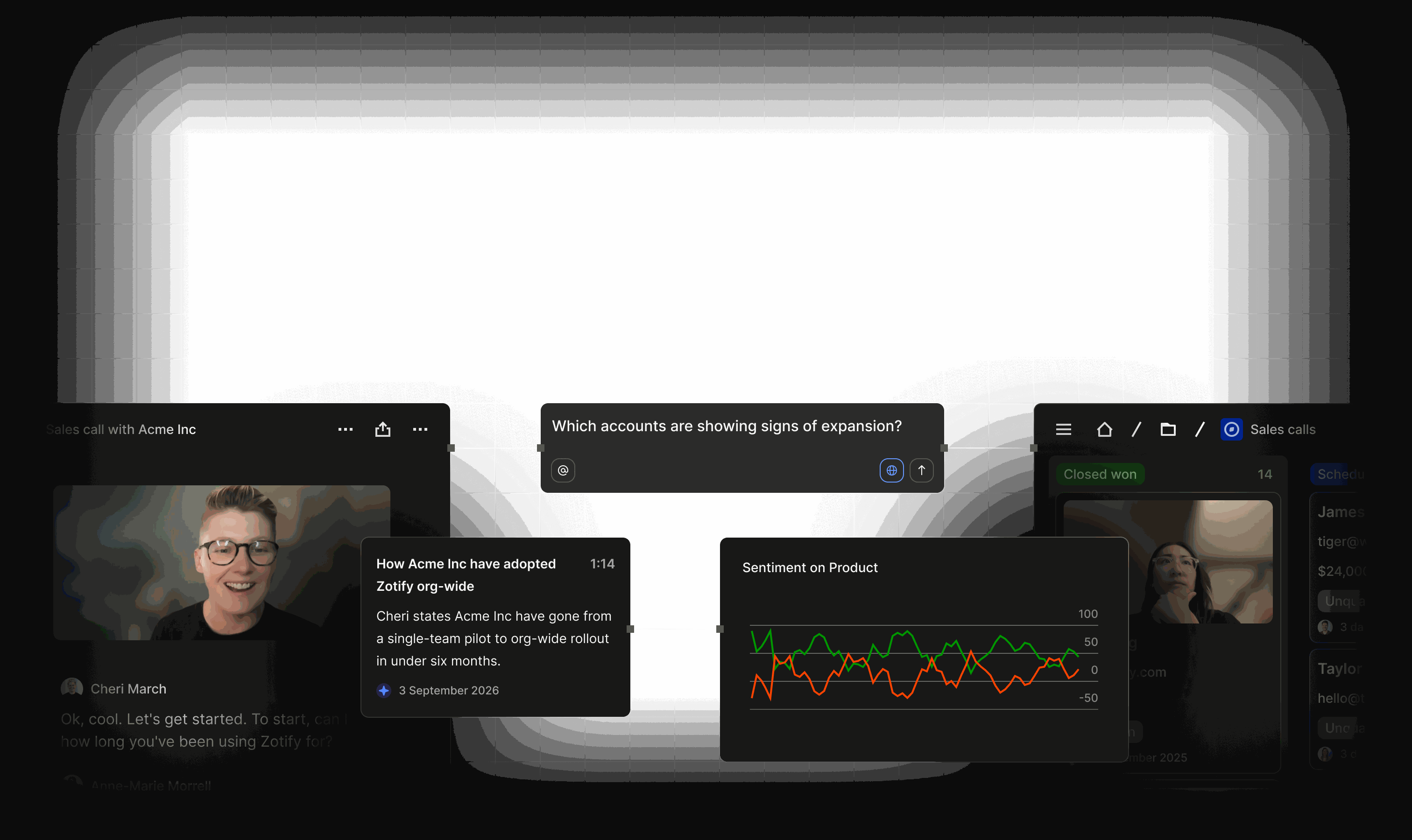
Sell on evidence, not guesses
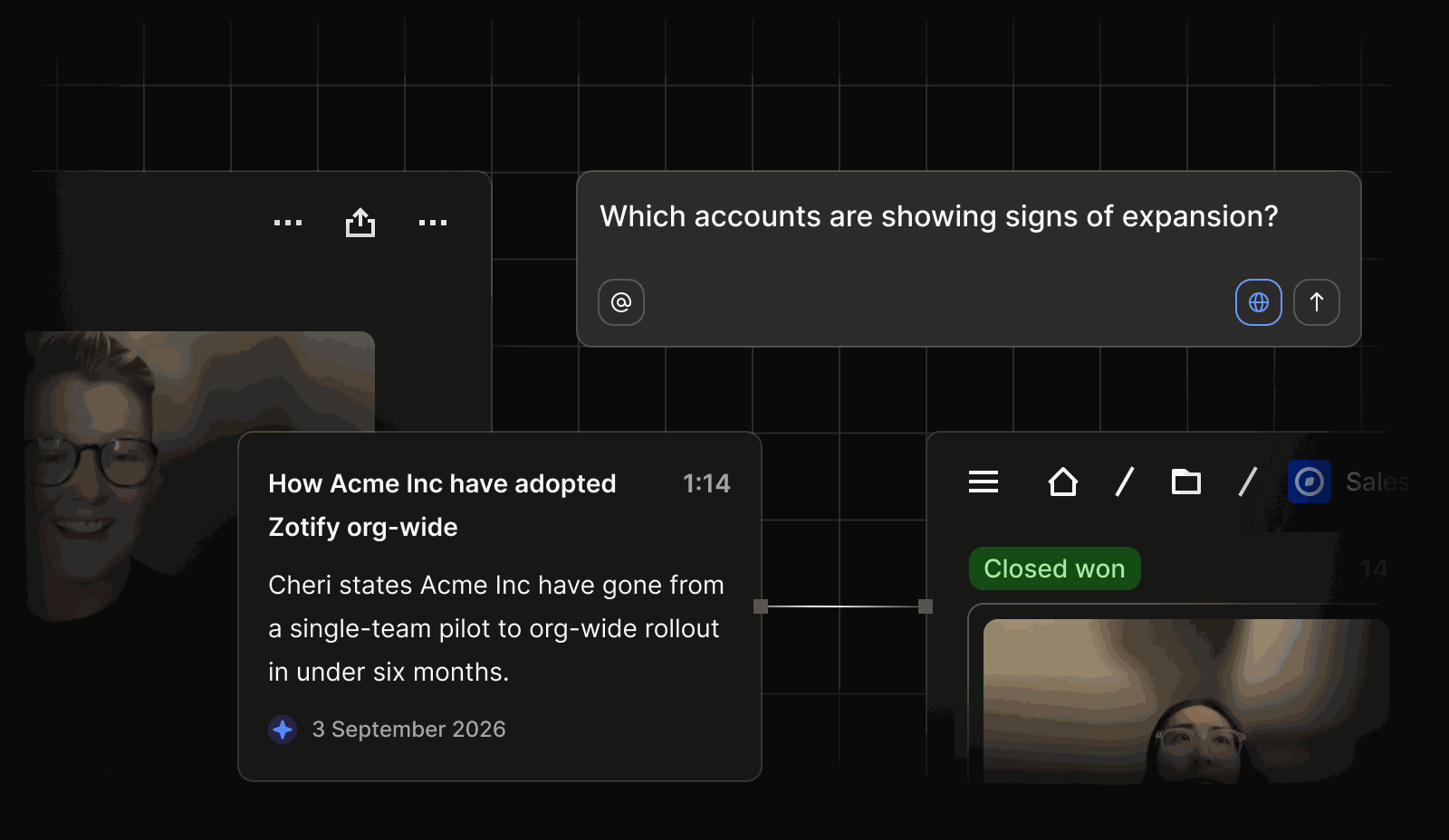

A CRM that does the busywork for you
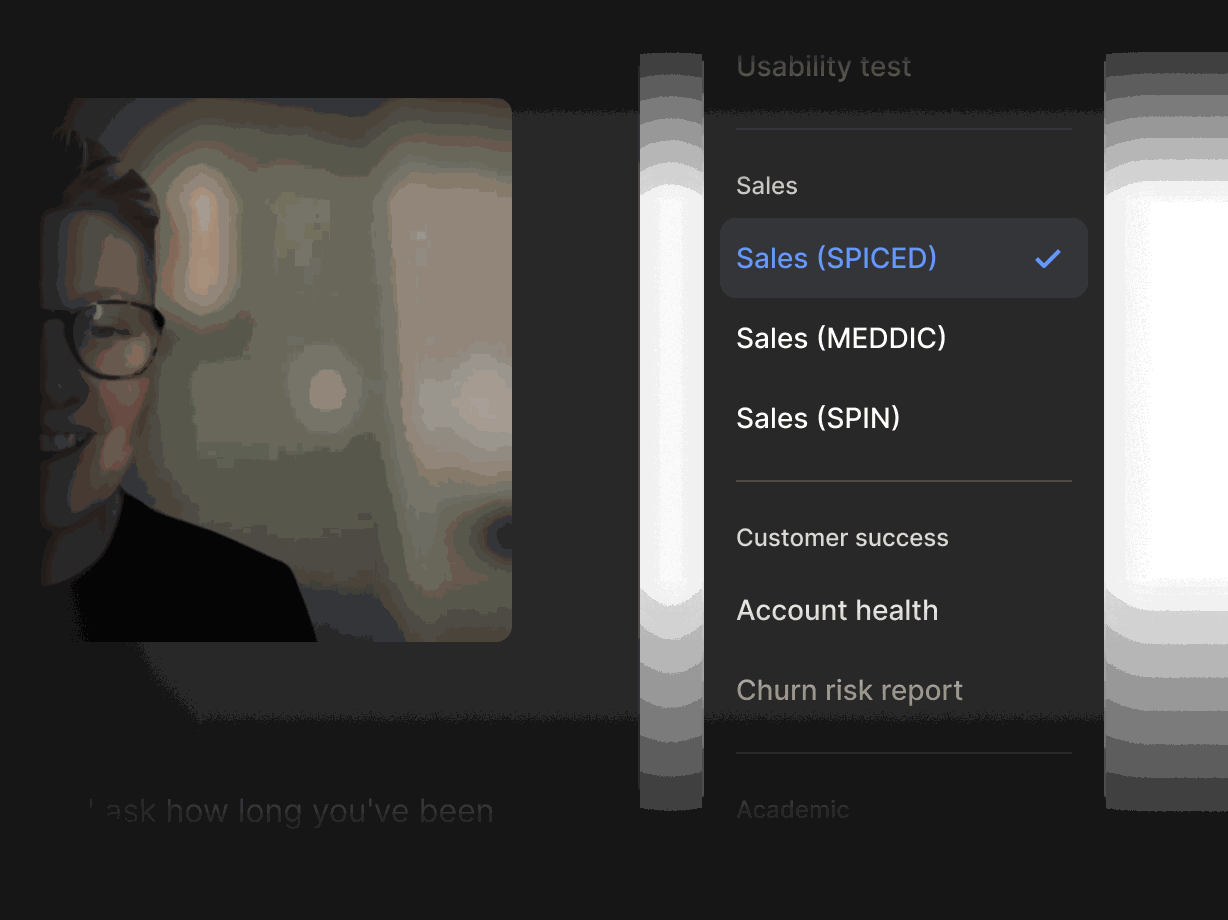
Agents chase follow-ups and log activity
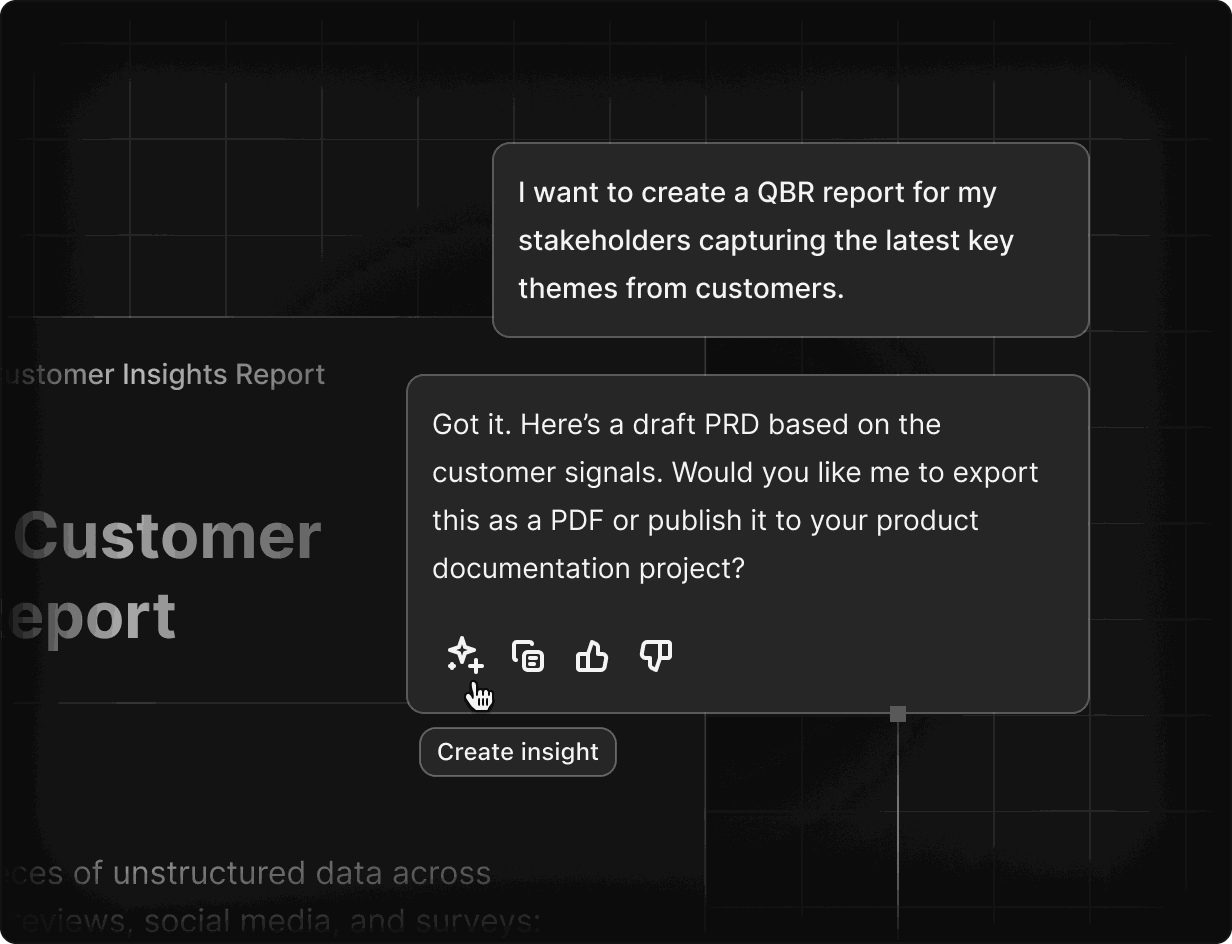
Agents draft the follow-up after every call, log emails and meetings to the right deal, and ask for your approval before anything is sent.
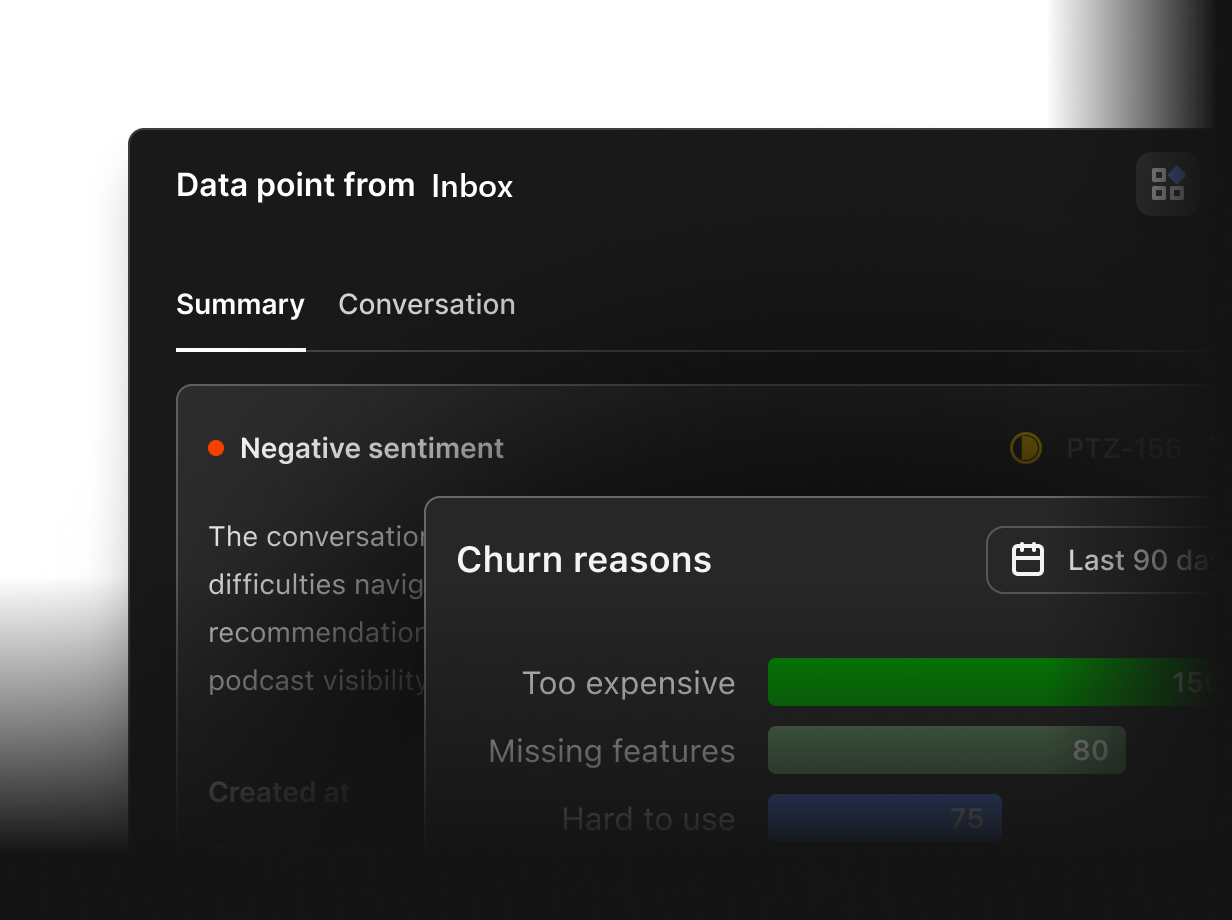
Flag deal risk before it slips
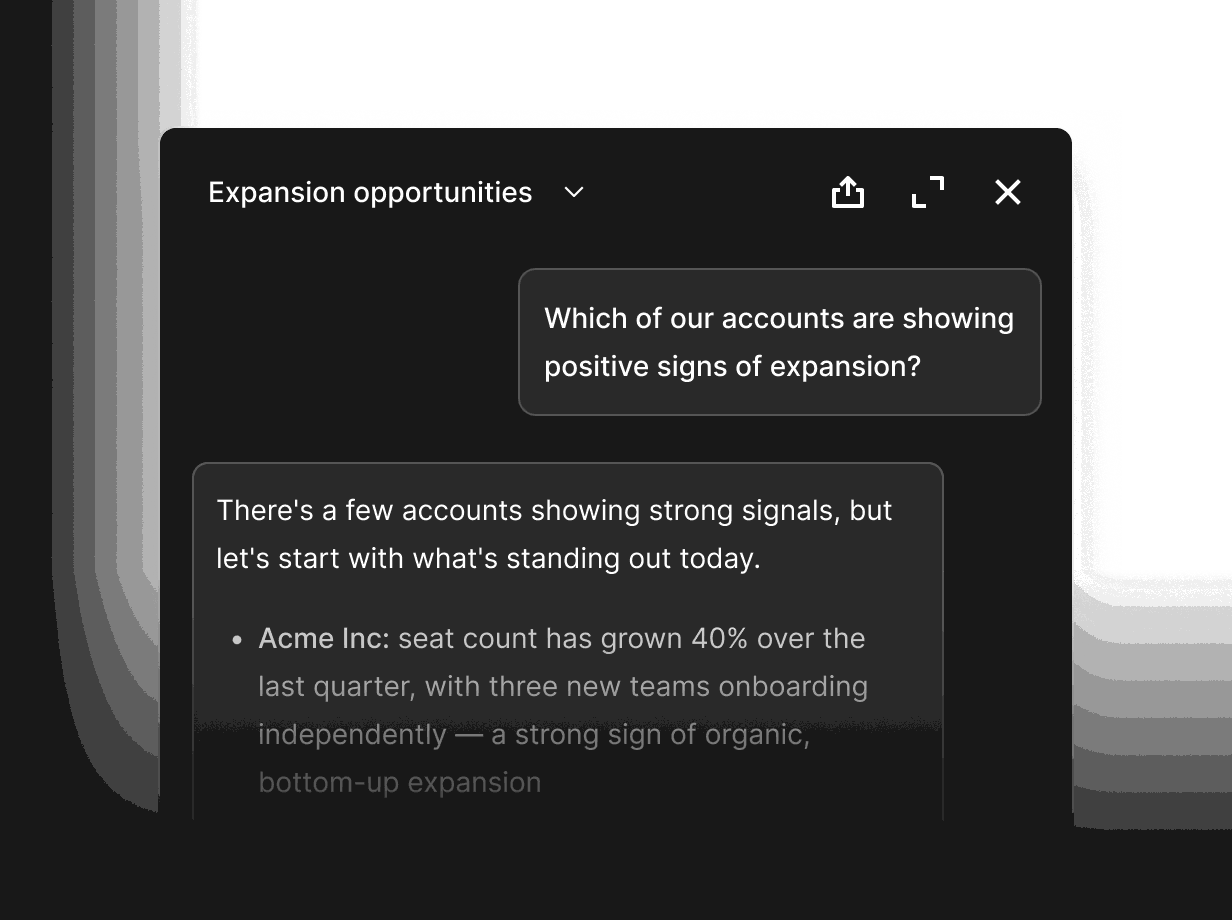
Agents watch every thread for stalled deals, quiet champions and pricing pushback, and flag the risk while there is still time to act.
A pipeline you can trust
Every stage change is written to the timeline and a Lost deal needs a reason. Ask Rilt what will close this quarter and see exactly why.
Handle objections with real answers
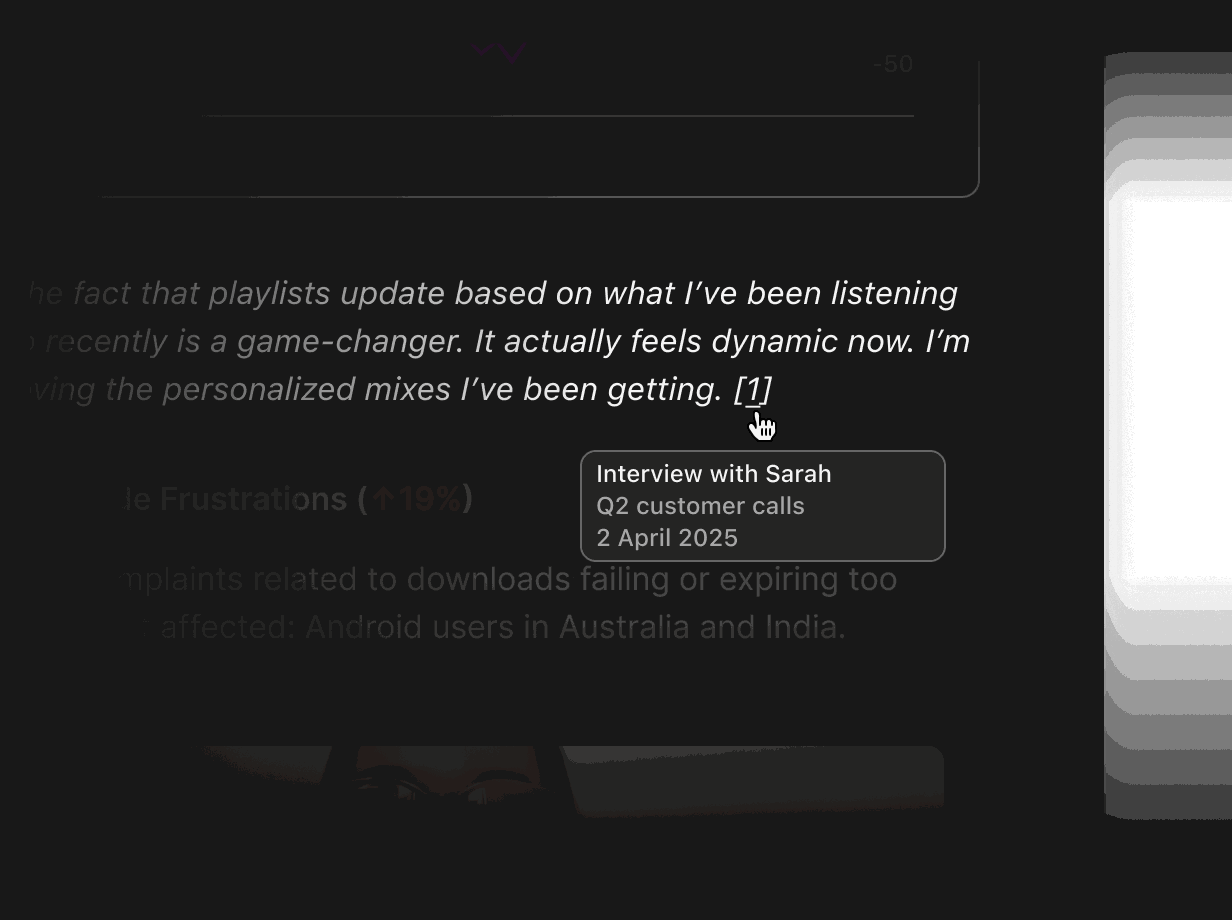
Ask Rilt how reps answered an objection on deals they won. Every answer cites the call or email it came from, so you can check it yourself.
-
Gmail and Outlook
Sync your inbox so every email to a buyer lands on the right contact and deal. Agents draft replies and follow-ups for you to approve.
-
Google Calendar
Meetings with prospects appear on the deal timeline automatically, with prep notes and next steps ready before the call starts.
-
WhatsApp Business
Bring WhatsApp conversations into Inbox, one thread per contact, next to email and calls. Nothing gets lost in a personal phone.
-
Zoom
Zoom call transcripts attach to the deal they belong to. Objections, next steps and competitor mentions are pulled out for you.
-
Google Meet
Google Meet transcripts land on the right record, so you can ask Rilt what a buyer said without scrubbing through a recording.
-
Slack
Get deal risk flags, approvals and daily summaries in Slack, and ask Rilt about any account from the channel you already work in.
-
Stripe
See subscriptions and payments next to the deal, so reps know who is live, who is paying and who is ready for an upgrade.
-
Zapier
Trigger Rilt from thousands of apps, or push closed-won deals and new contacts out to the rest of your stack without code.
-
HubSpot import
Import companies, contacts and deals from HubSpot in a few steps. Your history comes with you, linked to the right records.
-
Salesforce import
Move from Salesforce without losing context. Accounts, opportunities and activity import into Rilt with stages mapped for you.
See how agents use your channels
Practical ways sales teams use Rilt AI
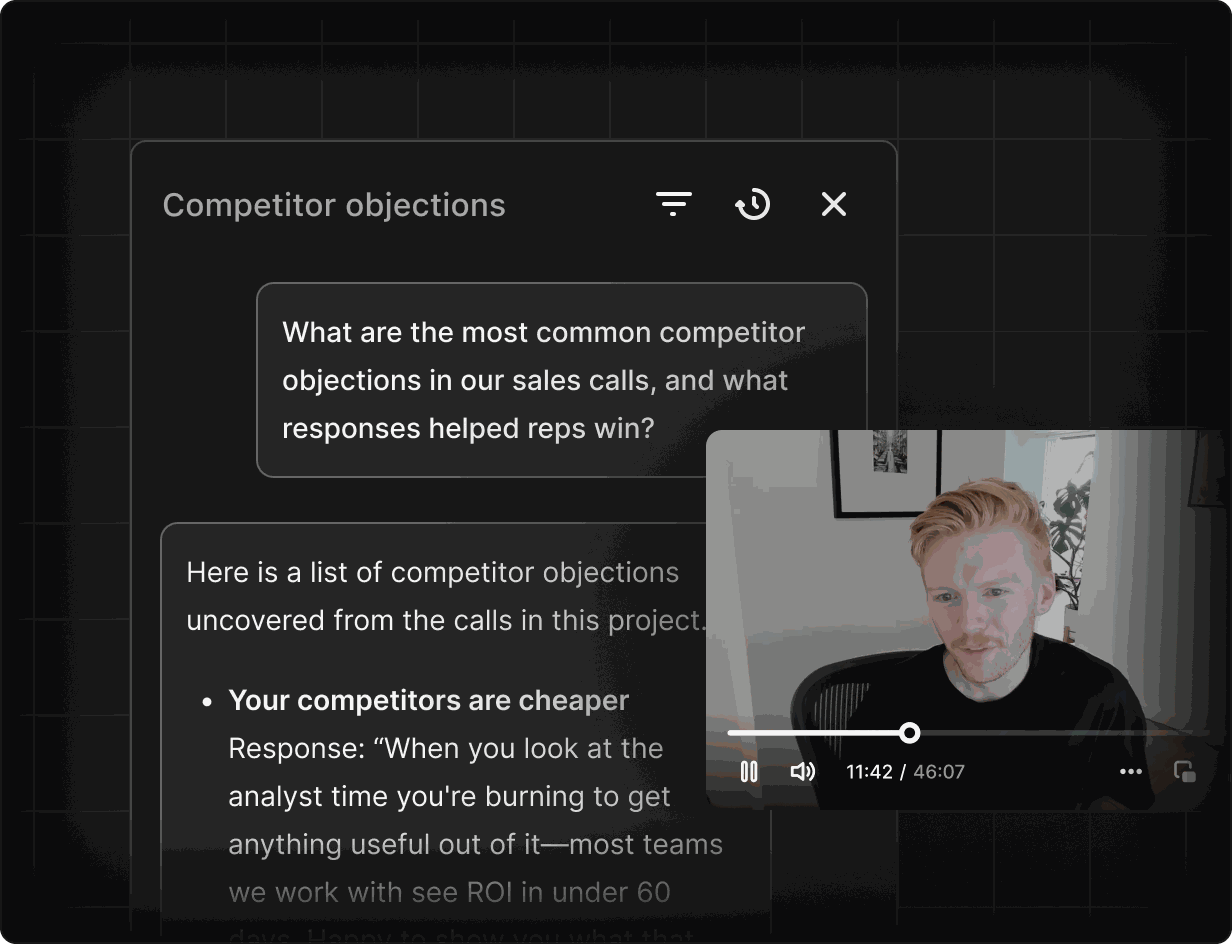
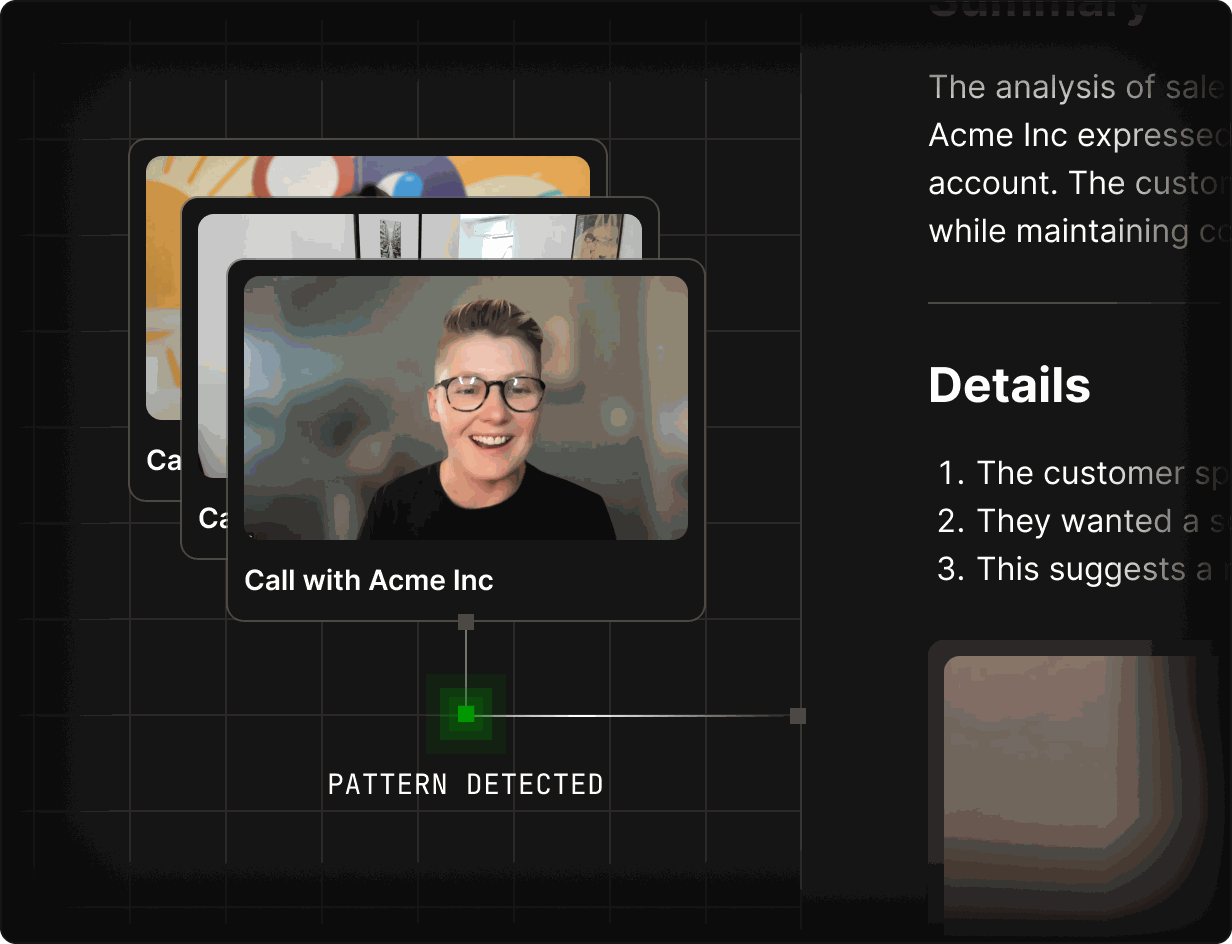
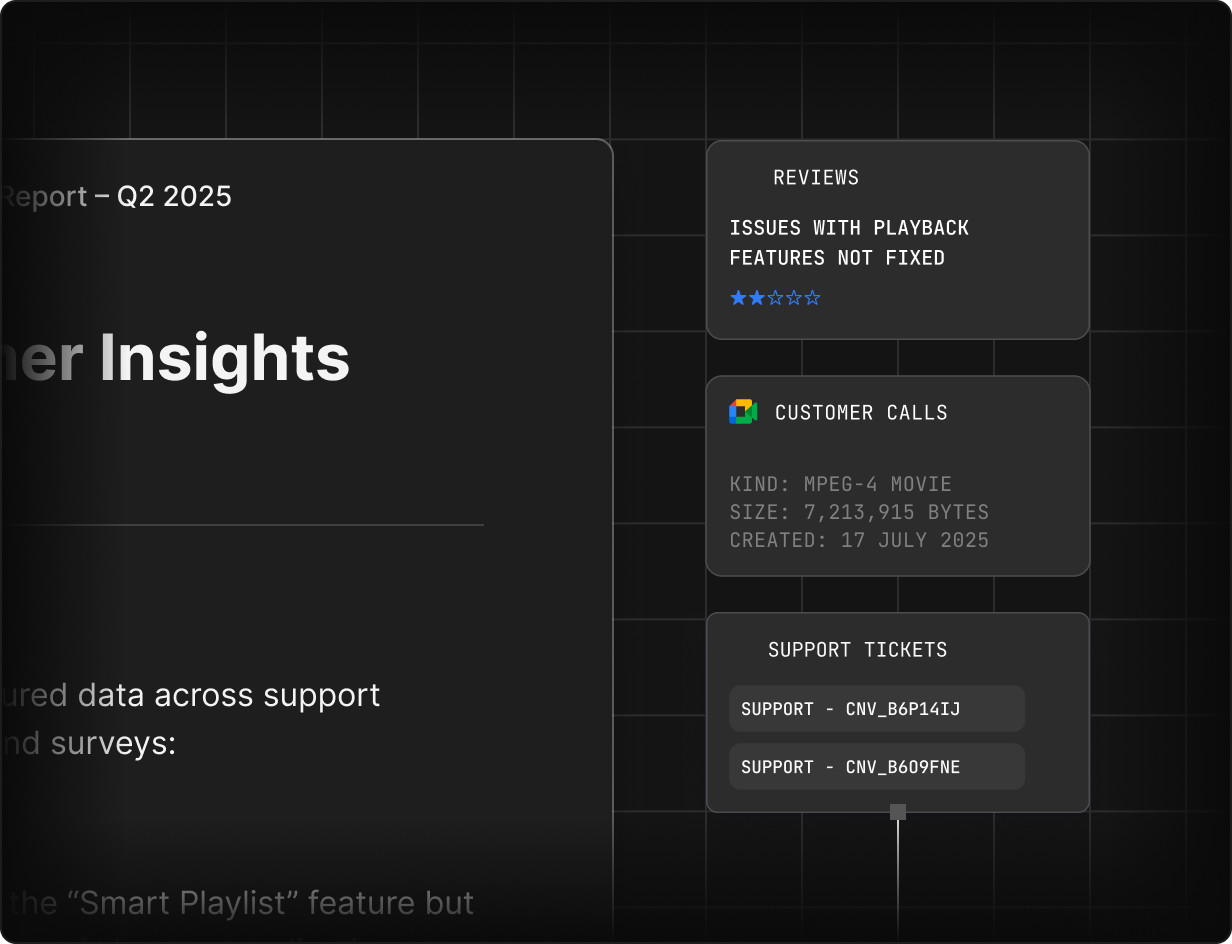
Ask Rilt which objections come up most and which responses helped reps win. Every answer links to the call or email it came from, so new and senior reps work from the same evidence.
FAQs
Yes. Rilt connects to Gmail, Outlook, Google Calendar, WhatsApp Business, Zoom and Google Meet, and links every email, meeting and transcript to the right contact and deal.
No. Agents draft follow-ups, updates and next steps, but they always ask for your approval before anything is sent to a buyer.
Agents watch activity across every deal and flag stalled stages, long silences, pricing pushback and missing next steps, with a link to the conversation behind each flag.
Digital Twins are evidence-based models of your buyers built from calls, emails and deal history. Reps use them to rehearse a pitch, test pricing or ask why you lose to a competitor.
Yes. You can import companies, contacts and deals from HubSpot or Salesforce, with stages mapped to your Rilt pipeline. Start free with up to 3 users, or talk to sales about Enterprise.