
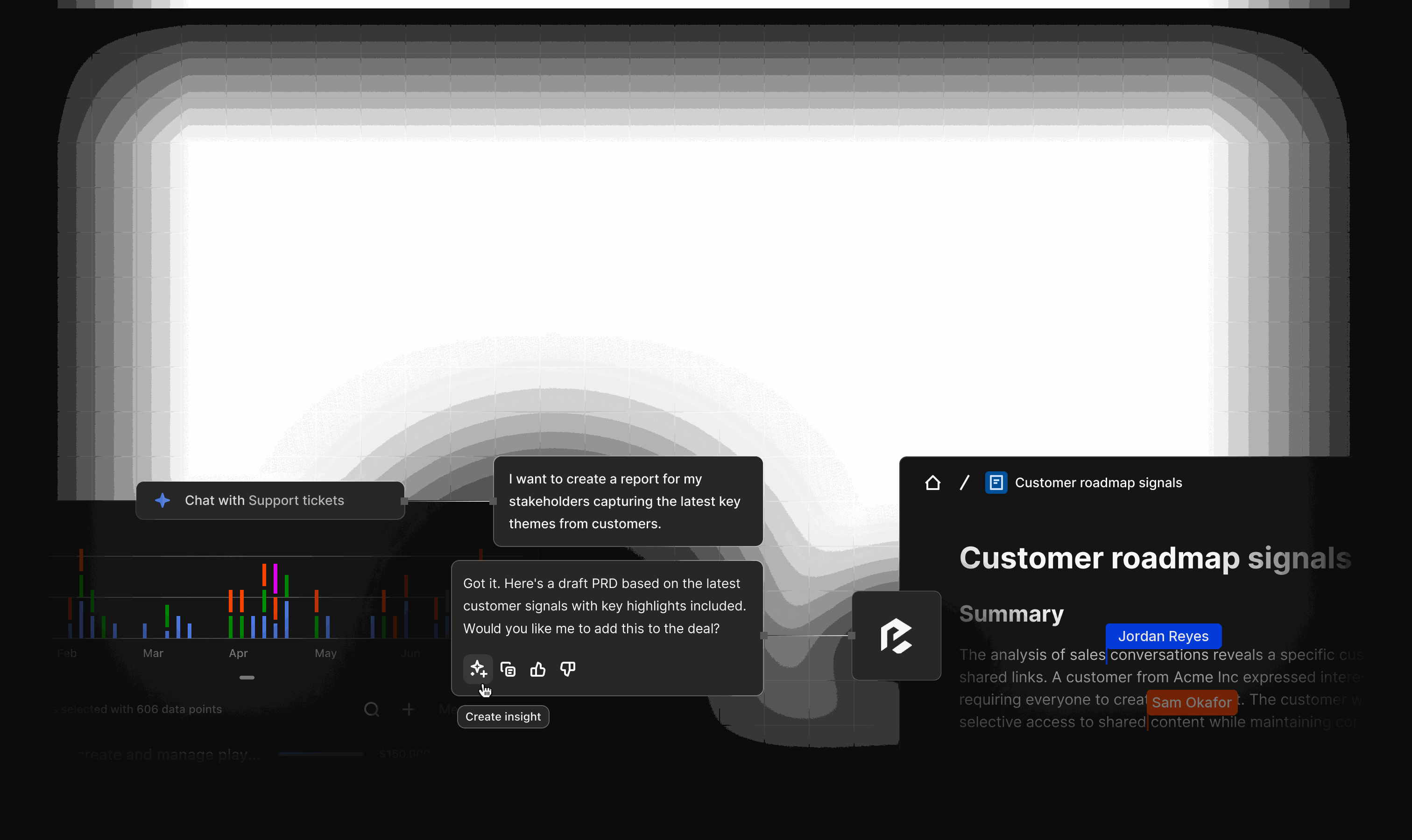
See the whole business on one screen
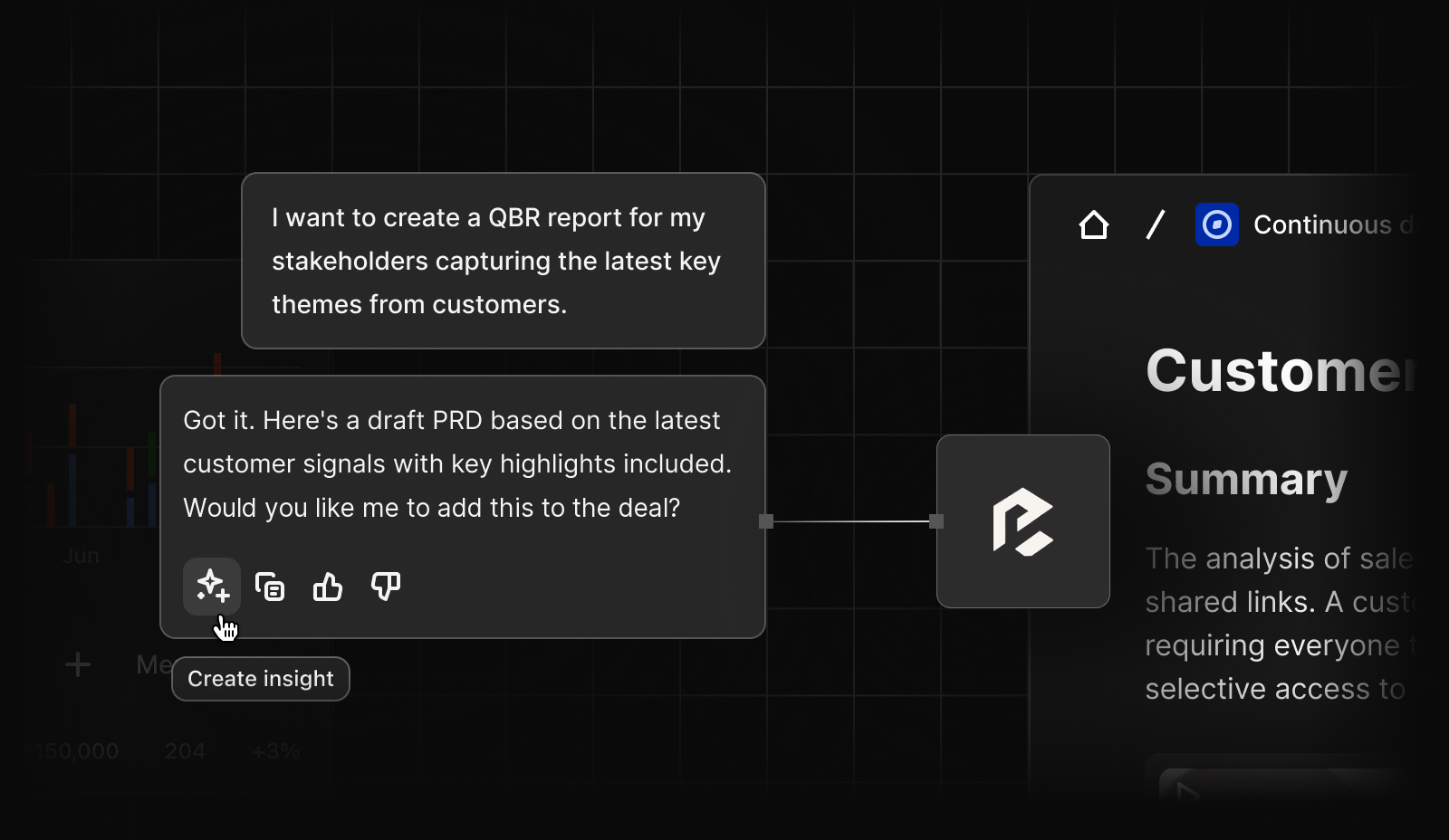

Answers you can trust, without chasing
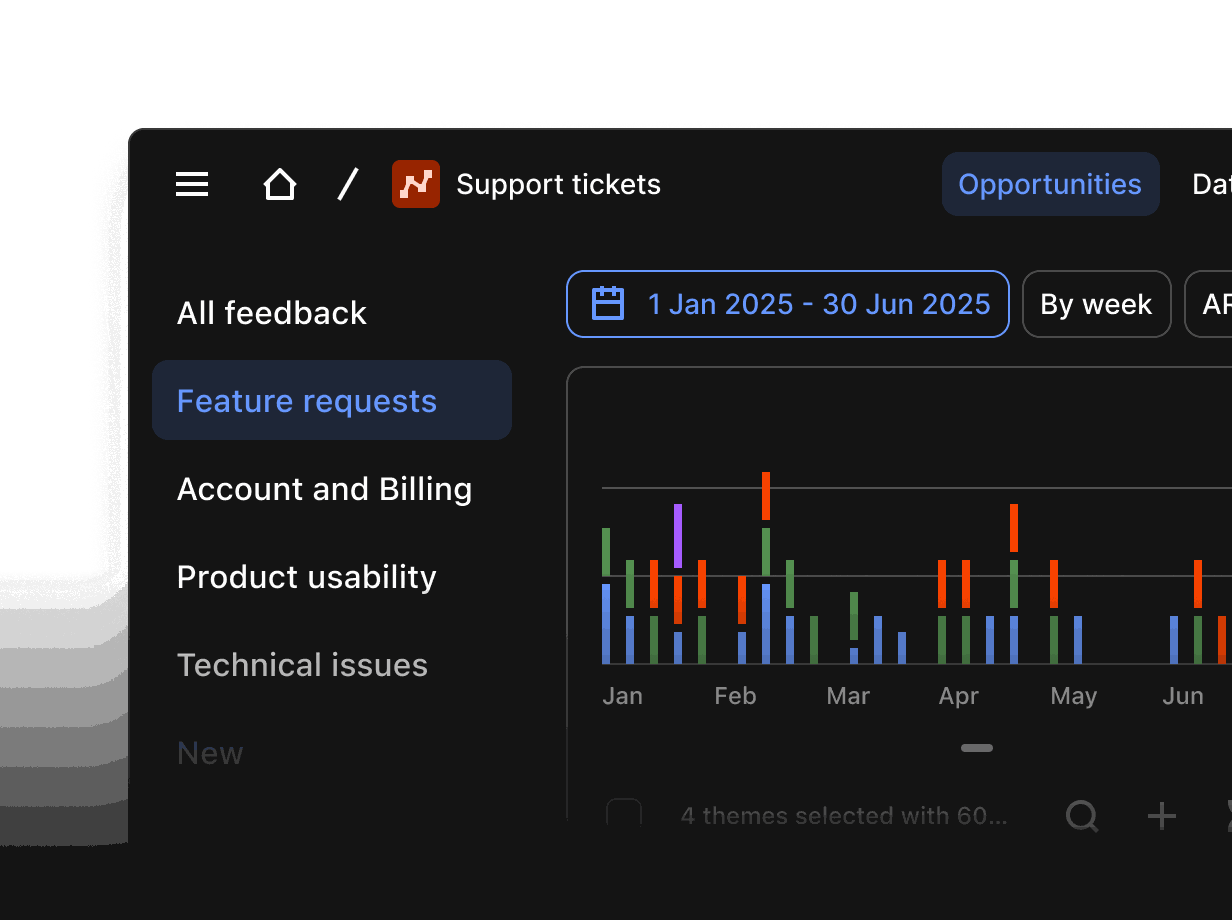
See pipeline, wins and forecast at a glance
Live dashboards show open pipeline, wins this quarter, win rate and the deals closing soonest, all on one screen.
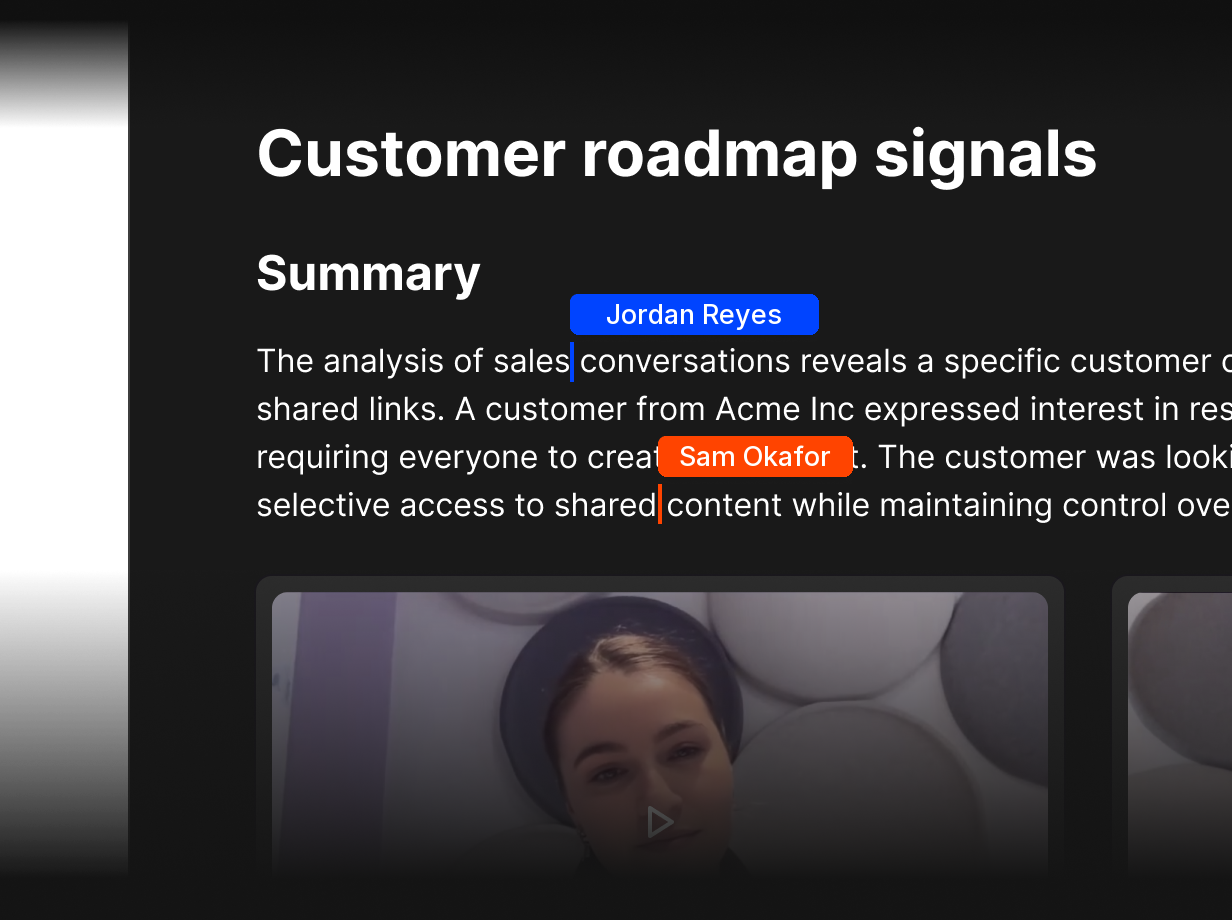
Know why deals are won or lost
Every Lost deal carries a reason, and Docs turns the patterns into a brief linked to the calls behind it.
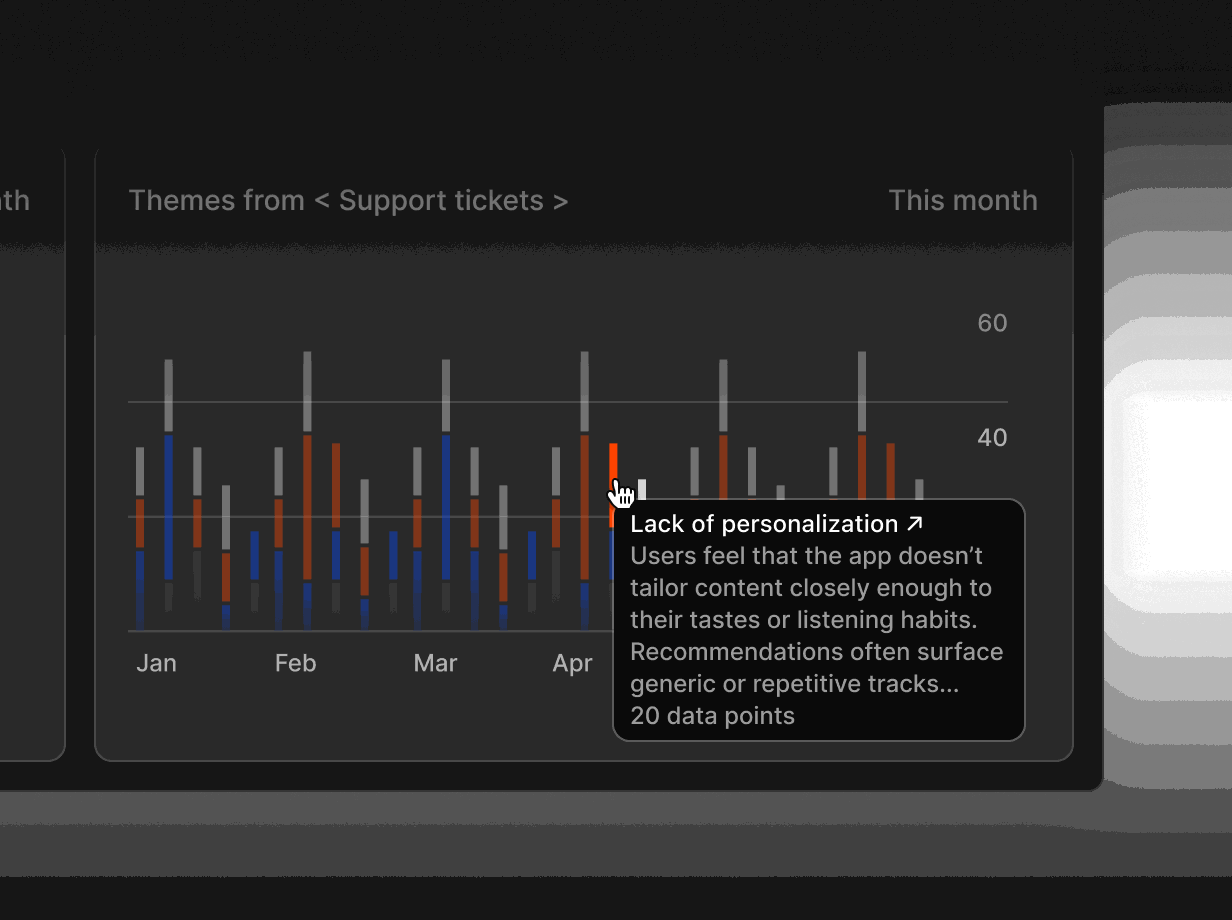
Hear the customer voice without chasing
Inbox gathers email, WhatsApp and calls, so you can ask what customers want without waiting for updates.
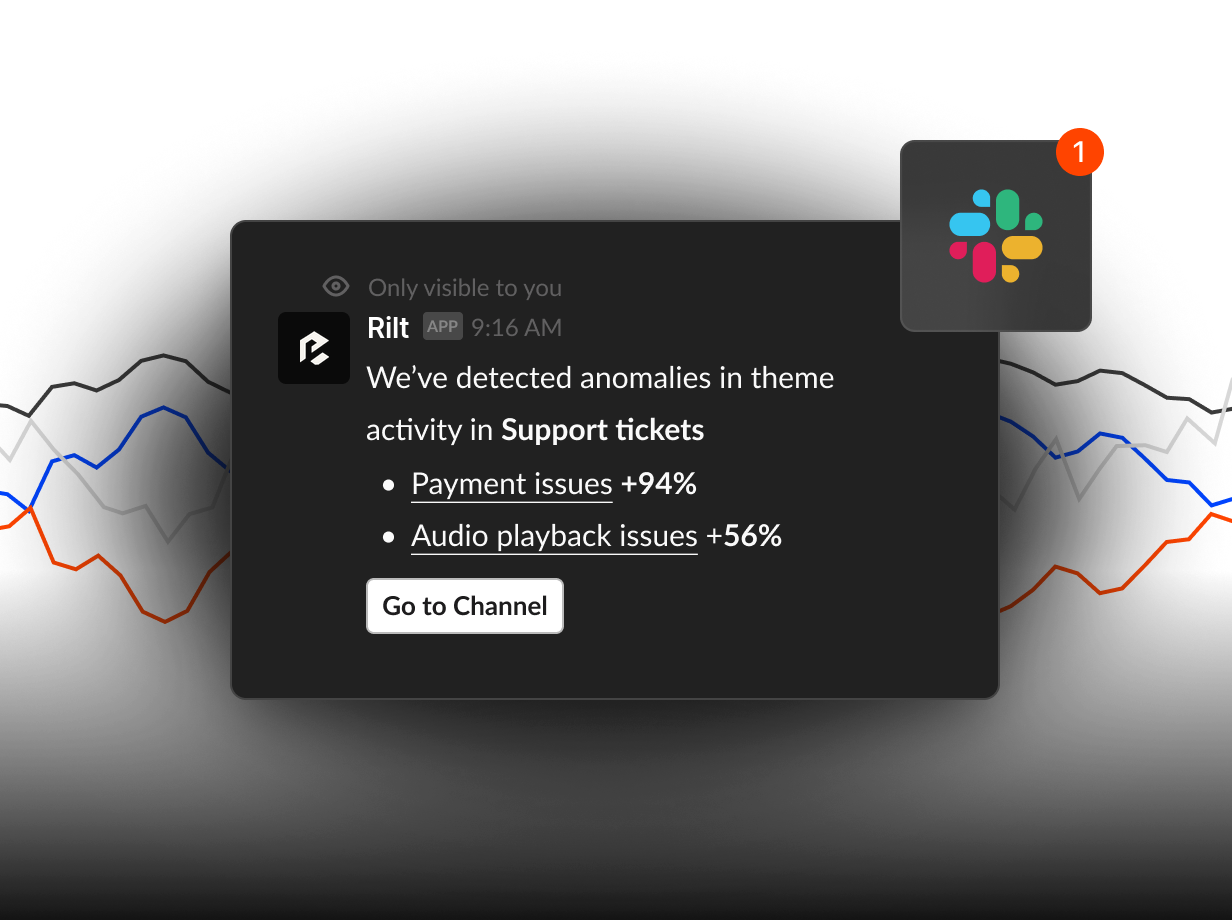
Get flagged when something changes
Agents flag stalled deals and risk signals, then send a short summary to Slack before it becomes a surprise.
Using Rilt AI to run your weekly review
Most leadership meetings start with twenty minutes of working out what is true. Rilt AI turns that into a routine: the numbers are live, the reasons are one question away, and the summary writes itself from the same evidence your team already works in.
-
Open the dashboard
Pipeline value, wins, win rate and forecast are live, so nobody has to rebuild a spreadsheet before the meeting.
-
Ask Rilt what changed
Ask why a deal slipped or which segment is slowing down. Every answer cites the calls, emails and records it came from.
-
Share a Doc with the team
Docs drafts the weekly summary or board update from CRM evidence, with every figure linked to its source.
-
Gmail and Outlook
Connect email once and every customer conversation is linked to the right company and deal, without asking the team to log anything.
-
Google Calendar
Customer meetings show up on the timeline automatically, so you can see who is talking to whom and how recently.
-
WhatsApp Business
WhatsApp threads sit next to email and calls in Inbox, so customer conversations never stay locked in one phone.
-
Zoom
Zoom transcripts attach to the right deal, so you can ask what a customer said without sitting through the recording.
-
Google Meet
Google Meet transcripts land on the right record, giving you the customer voice straight from the source.
-
Slack
Get daily summaries and risk flags in Slack, and ask Rilt about any deal or account from the channel you already use.
-
Stripe
See subscriptions and payments next to each customer, so pipeline and billed revenue tell the same story.
-
Zapier
Link Rilt to thousands of apps without code, so the rest of your stack stays in sync as the company grows.
-
HubSpot import
Bring companies, contacts and deals over from HubSpot in a few steps, with history linked to the right records.
-
Salesforce import
Move off Salesforce without losing context. Accounts, opportunities and activity import with stages mapped for you.
See how agents use your channels
Practical ways founders and leaders use Rilt AI
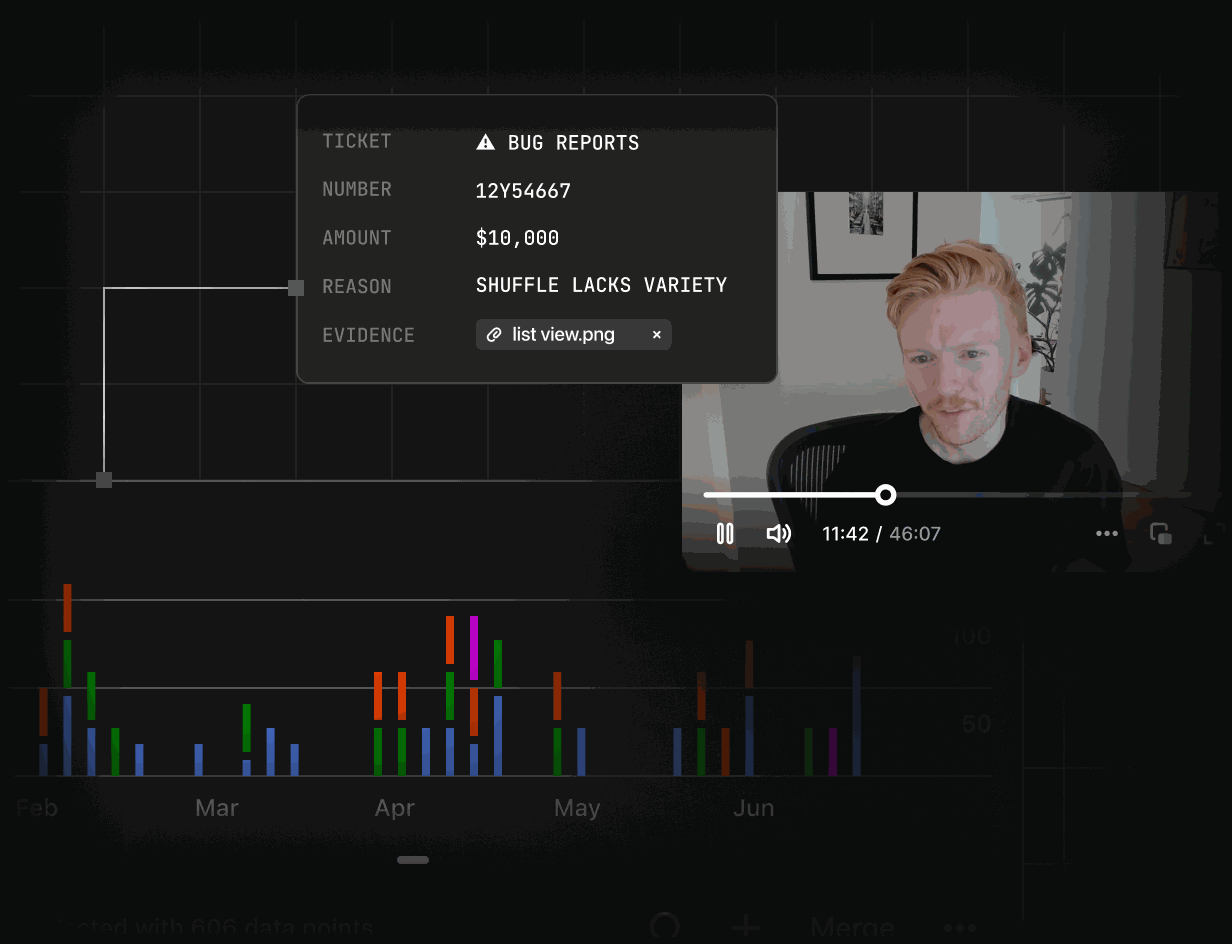
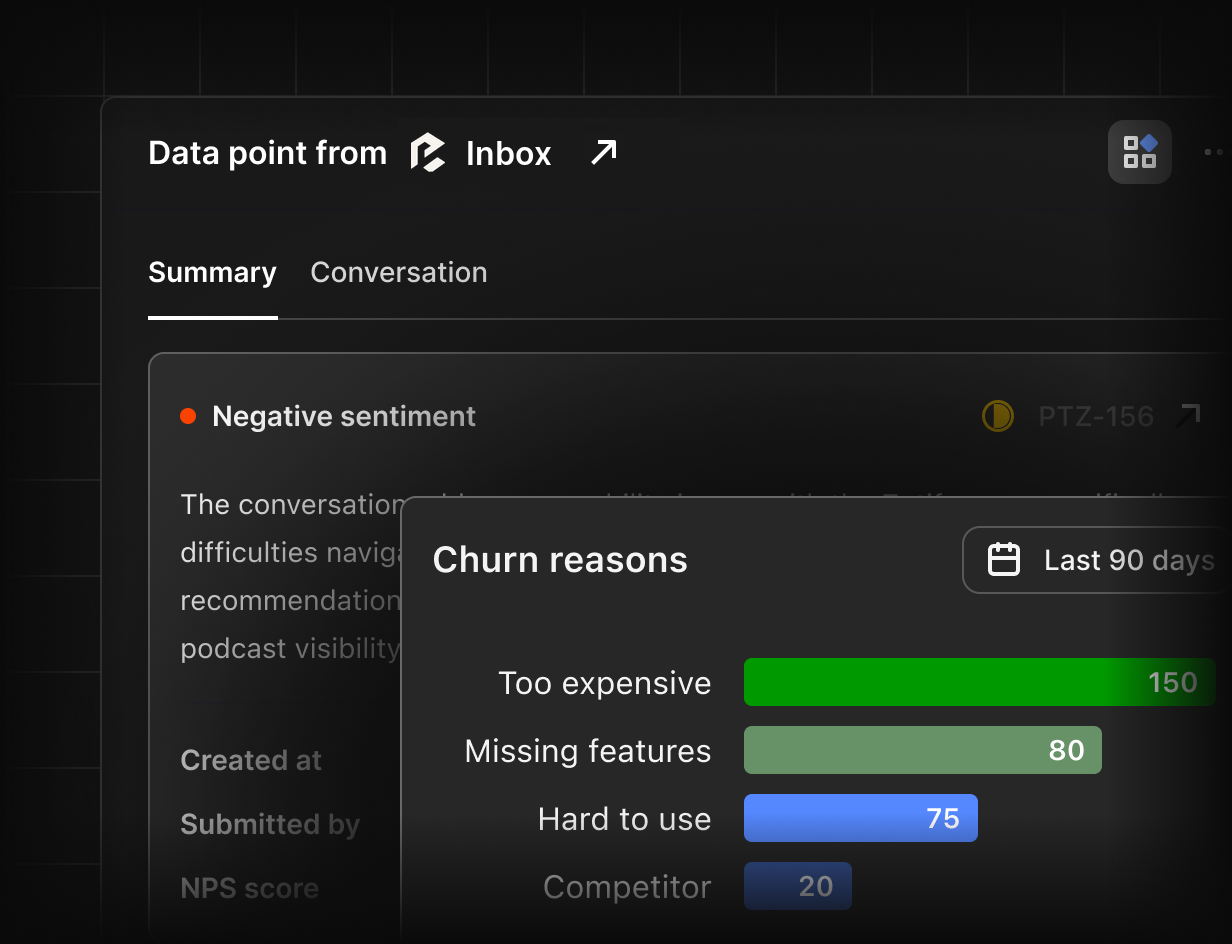
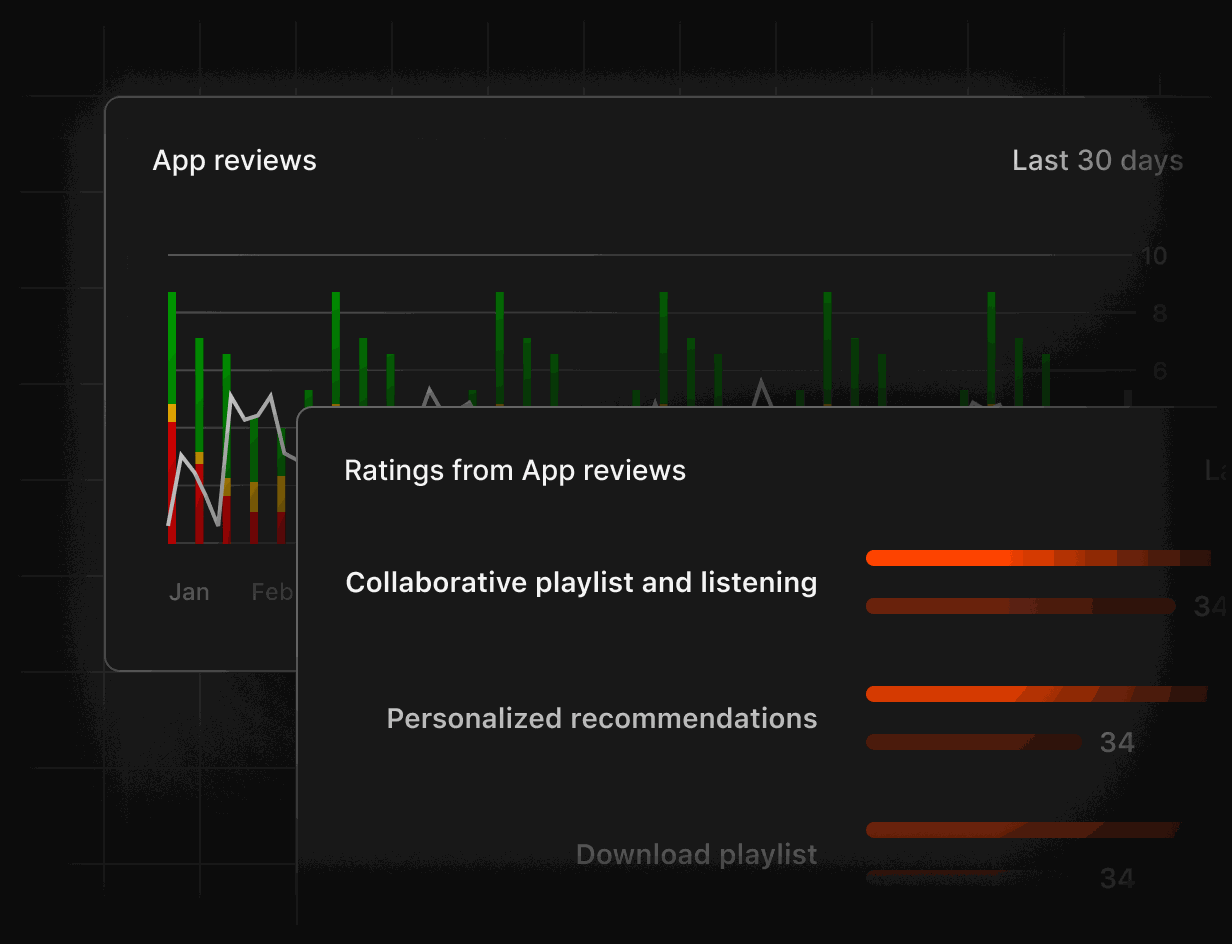
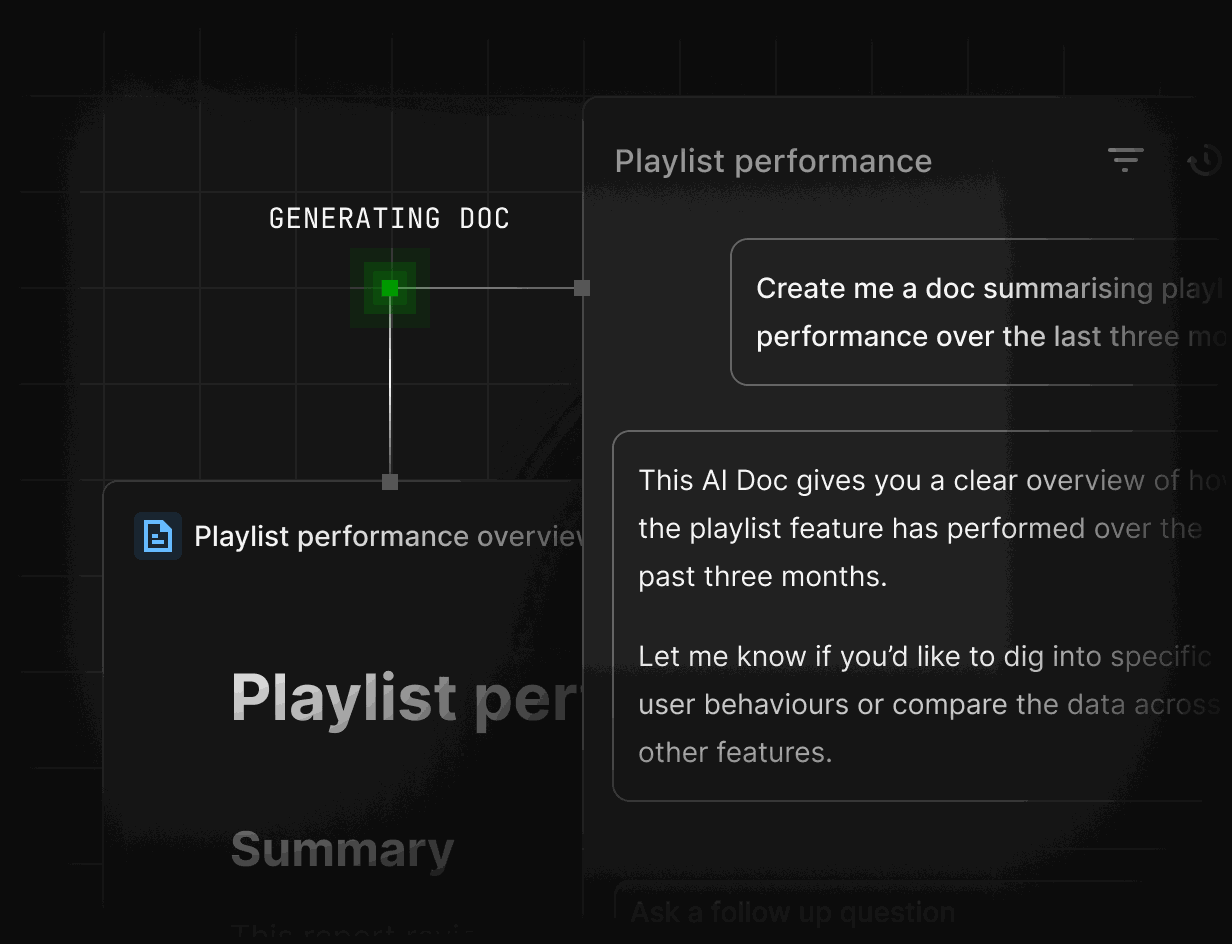
Open Dashboards before the Monday meeting and see forecast, stage breakdown and the deals closing soonest. Click any number to see the deals and conversations behind it.
FAQs
The Free plan covers up to 3 users, 1 pipeline and 1,000 records. Connect email in minutes, or import from CSV, HubSpot or Salesforce.
Every answer cites the calls, emails and records it came from, so you can open the source and check it yourself in one click.
Very little. Email, calendar and call activity is captured automatically, and agents draft follow-ups and updates that always ask for approval before sending.
Free is $0 forever for up to 3 users. Enterprise has custom pricing with unlimited users, Inbox, Agents, Digital Twins, Docs and SSO. Talk to sales for a quote.
Data is encrypted in transit and at rest, access follows Owner, Admin and Member roles, and your data is never used to train shared models. Enterprise adds SSO and an audit log.