
One clean source of truth for revenue

Clean data, forecasts you can defend
Model your business with custom fields
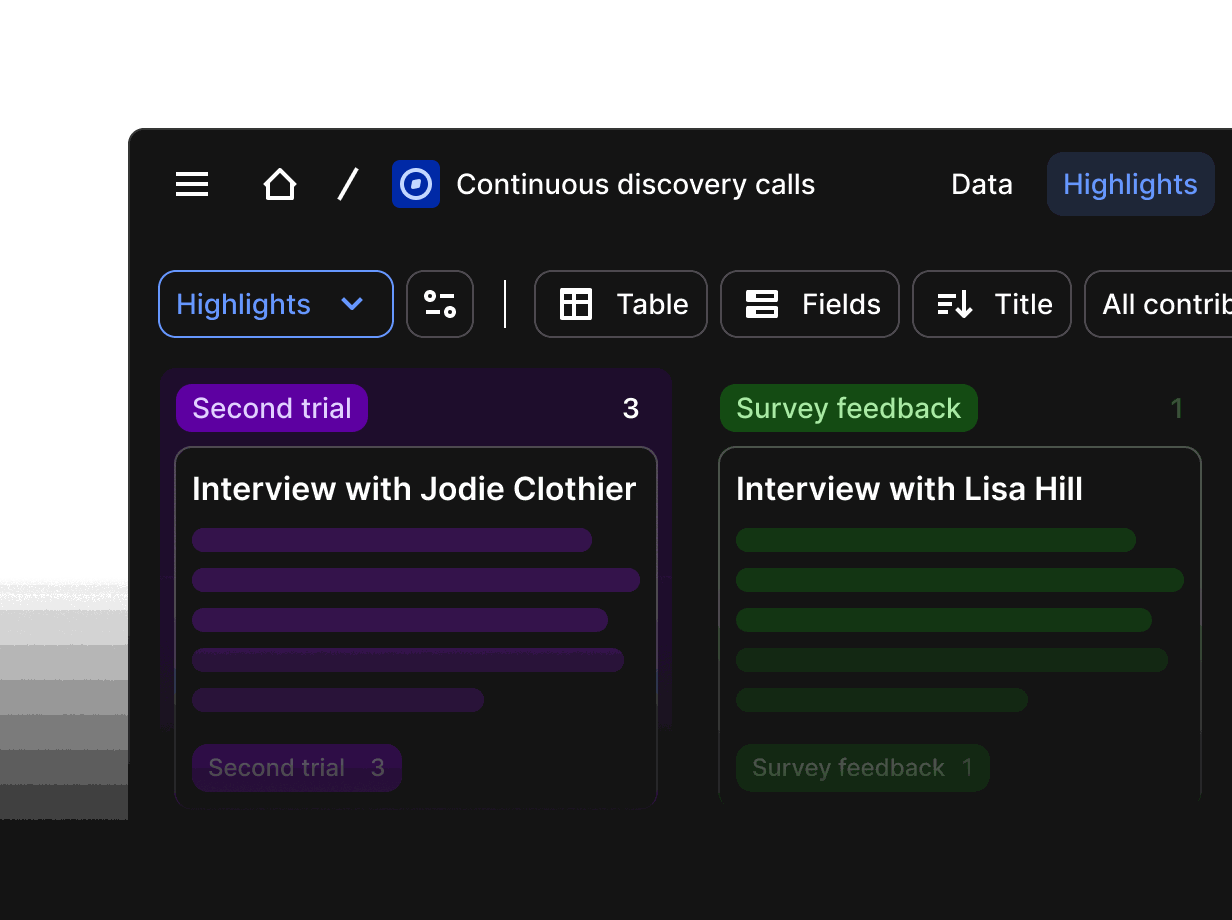
Add fields in ten types to companies, contacts and deals. Retired fields are archived, not deleted, so history and reports stay intact.
Answer pipeline questions without a report request
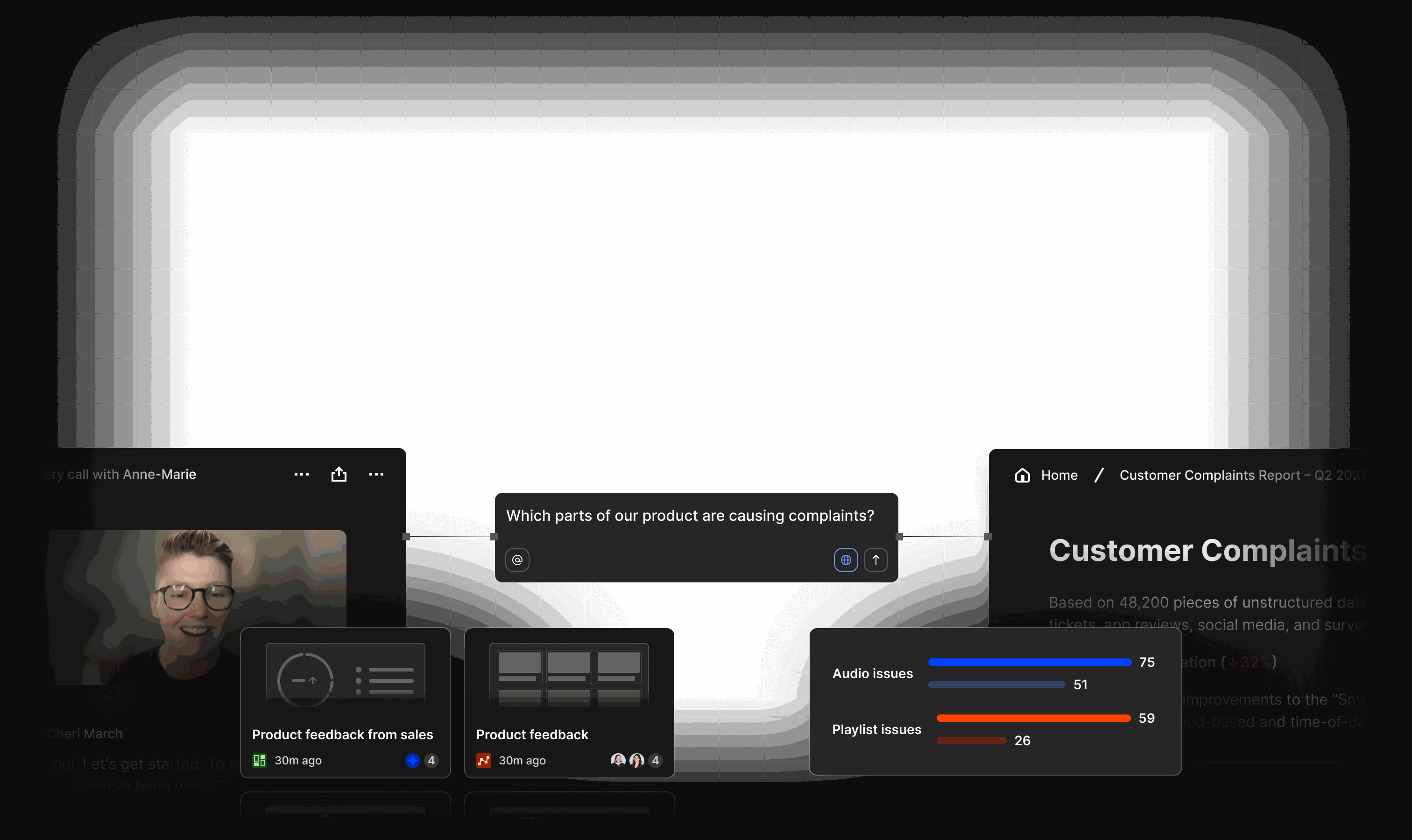
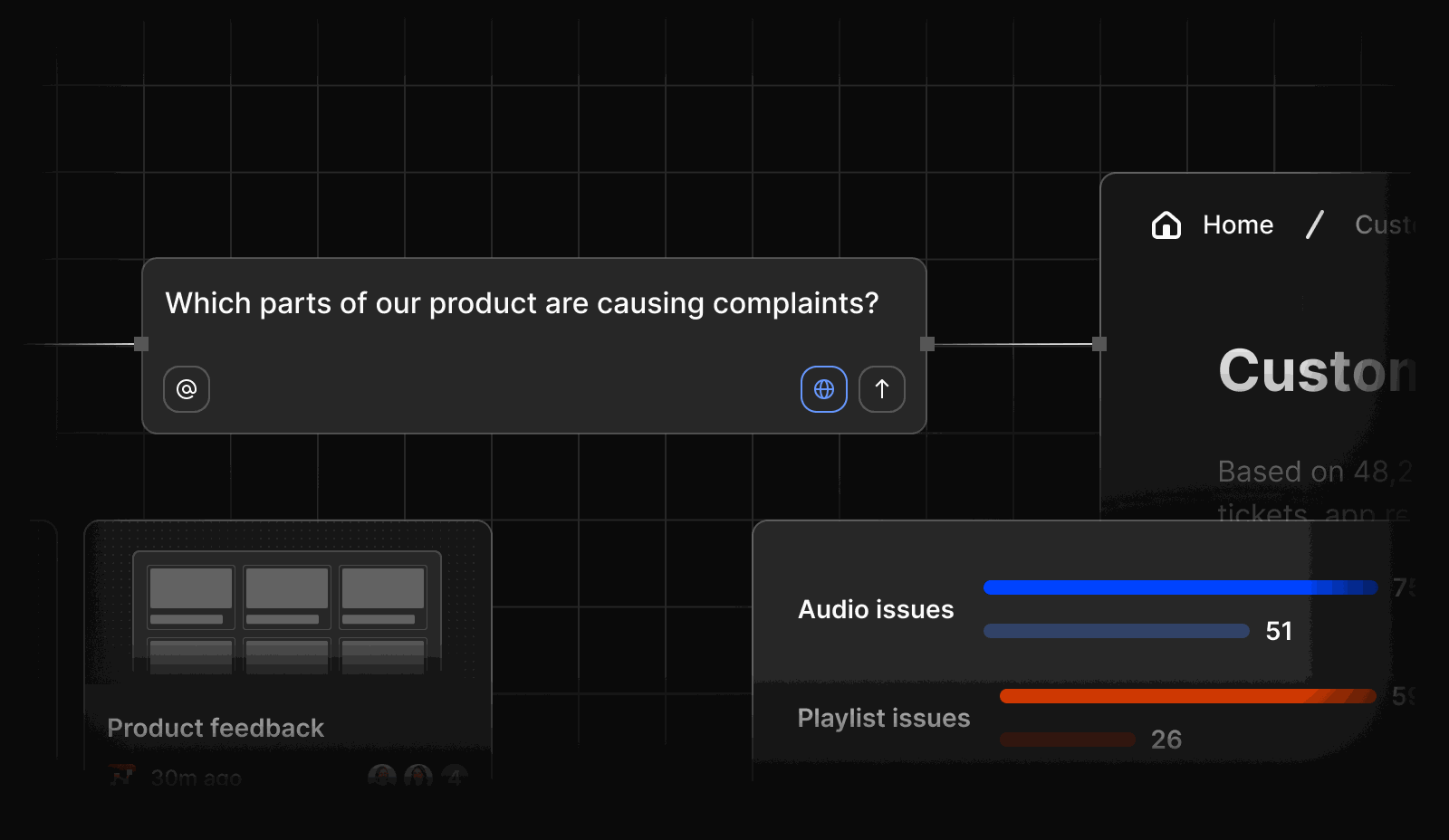
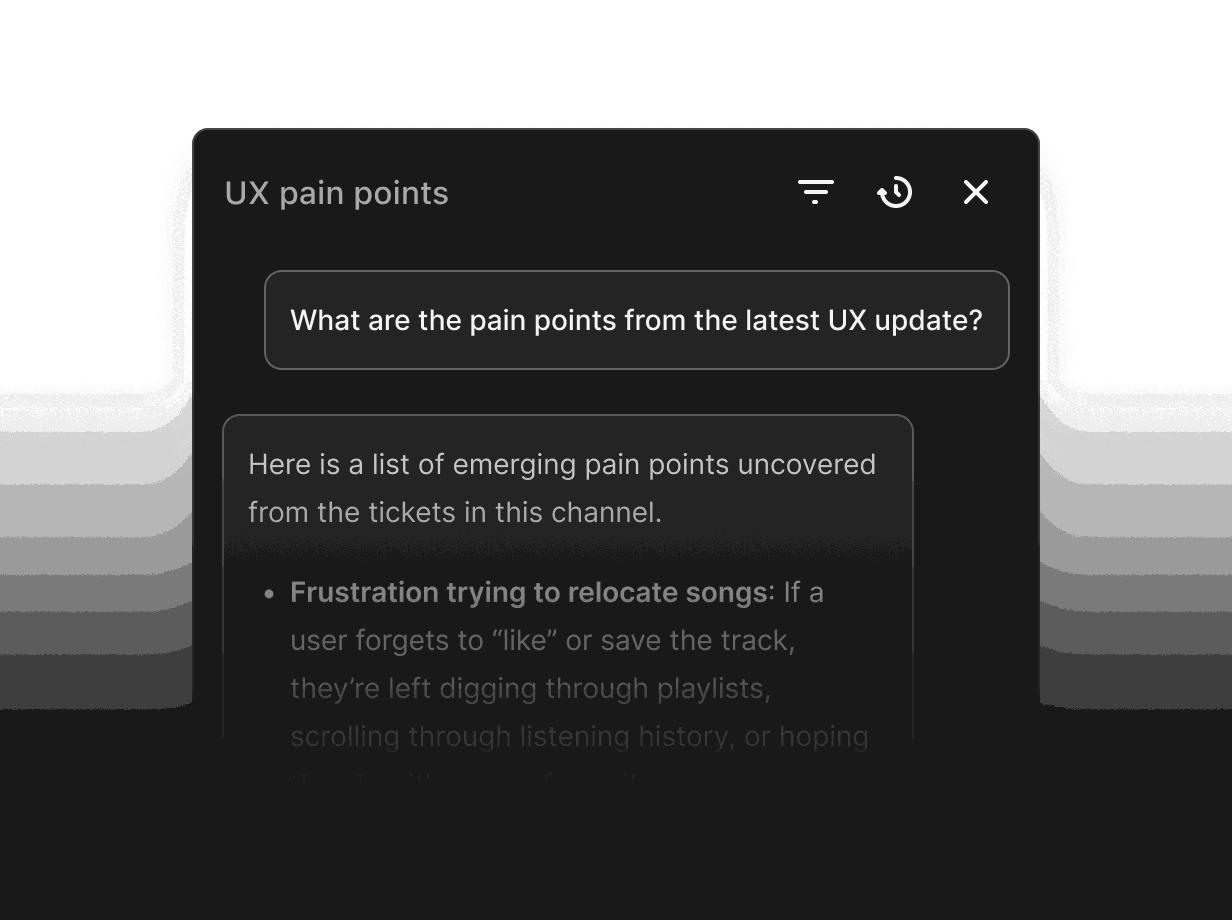
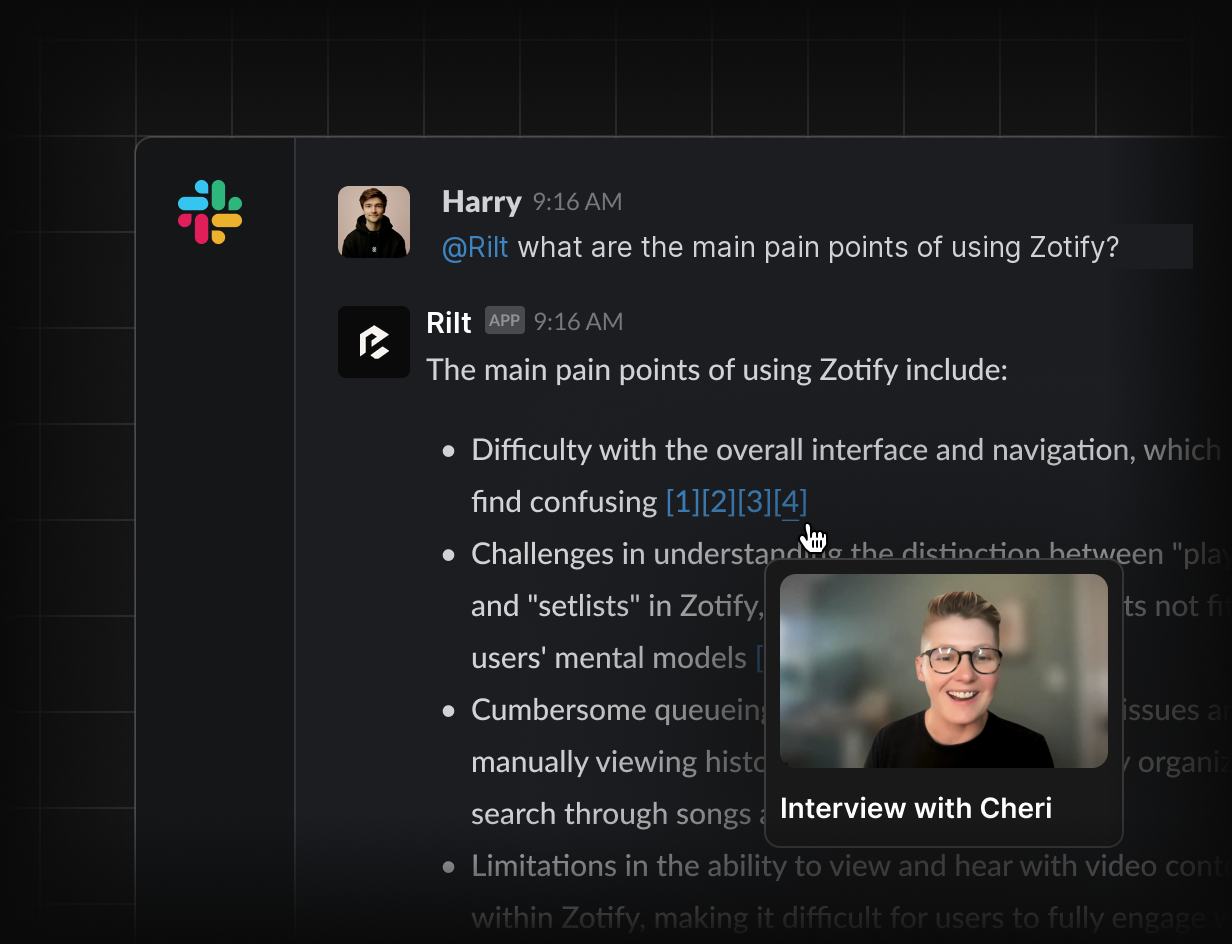
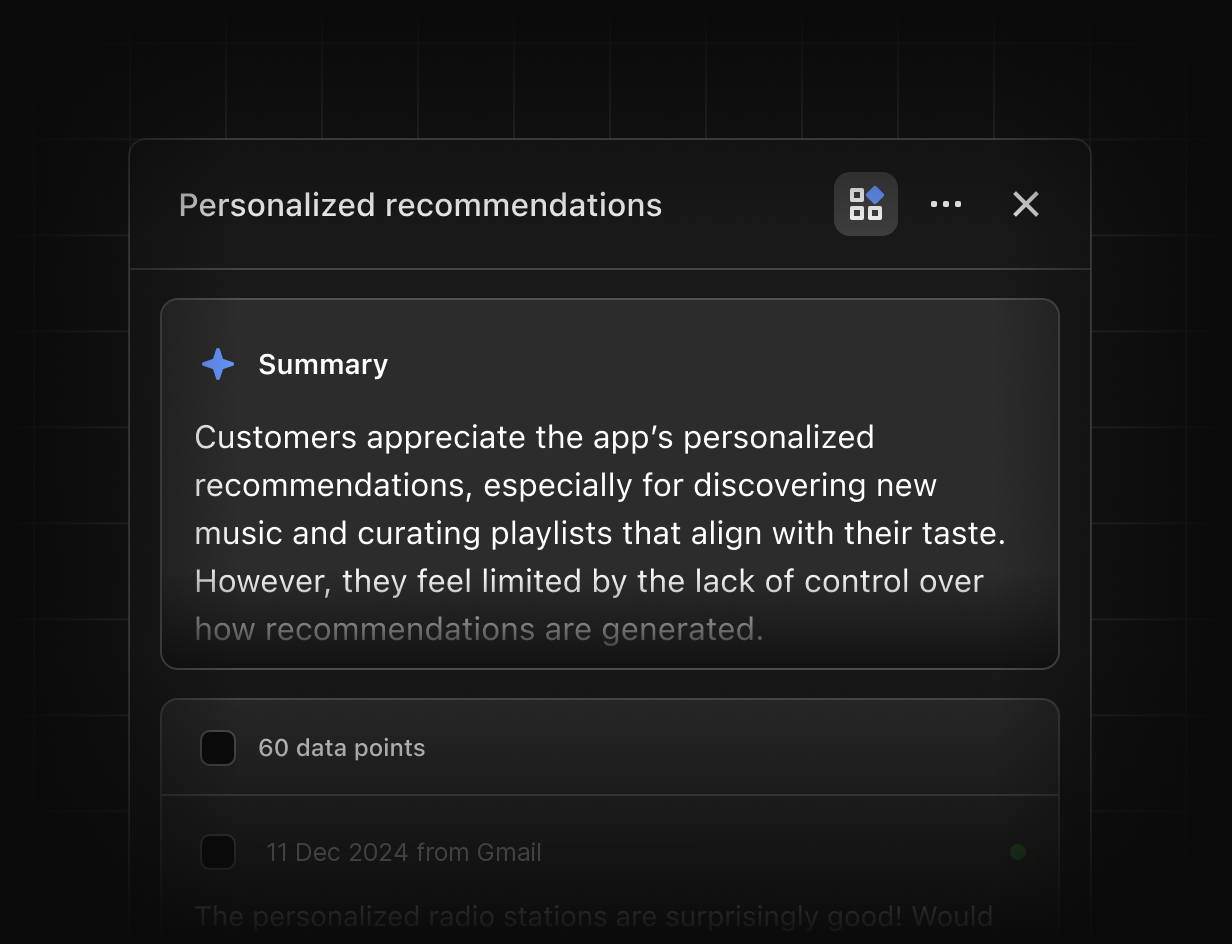
Ask Rilt in plain language which deals slipped or which stage stalls longest. Every answer cites the records behind it.
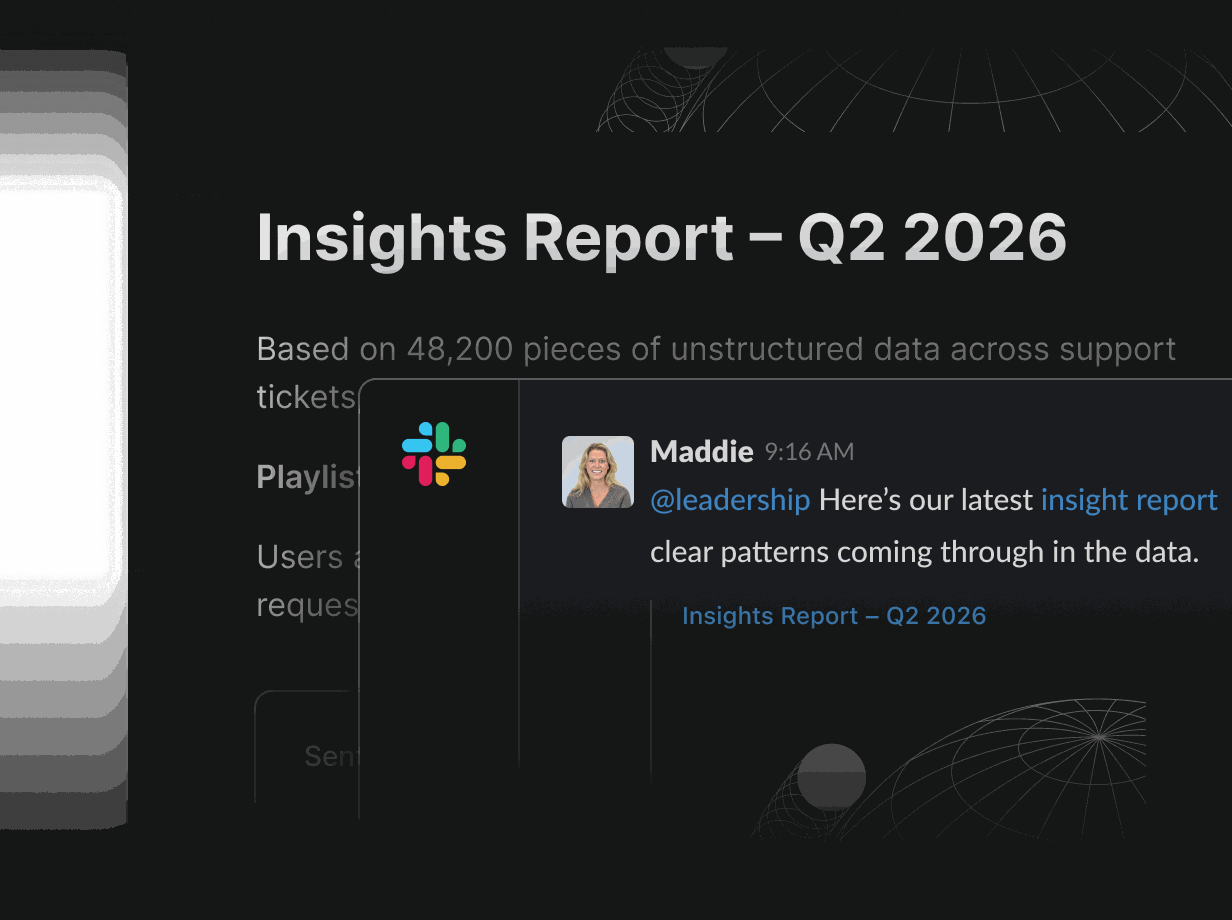
Forecast from activity, not opinion
Live dashboards show pipeline value, win rate and forecast next to the emails, calls and meetings behind each deal.
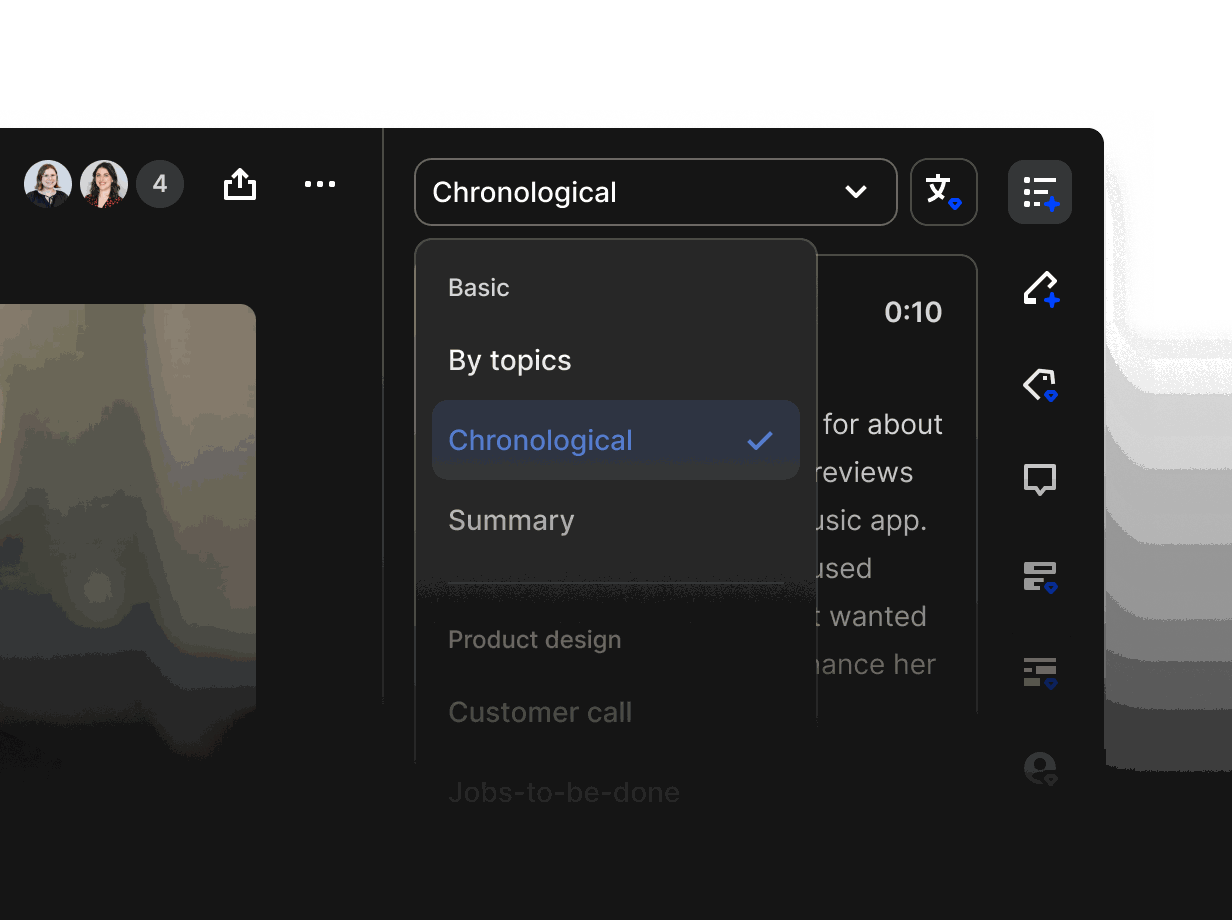
Capture activity automatically
Emails, meetings, calls and transcripts are logged to the right timeline without reps typing a thing.
-
Gmail and Outlook
Every email to a customer is logged on the right contact and deal automatically, so activity reports reflect real work, not manual entry.
-
Google Calendar
Meetings appear on the deal timeline as they happen, giving you meeting counts and last-touch dates you can trust.
-
WhatsApp Business
WhatsApp conversations join email and calls in Inbox, one thread per contact, so no channel sits outside your reporting.
-
Zoom
Zoom transcripts attach to the right deal, with next steps and competitor mentions captured as structured activity.
-
Google Meet
Google Meet transcripts land on the right record, so call activity counts toward the forecast without extra admin.
-
Slack
Send stage changes, stalled-deal flags and weekly summaries to Slack, and let anyone ask Rilt a pipeline question from the channel.
-
Stripe
Bring subscriptions and payments next to each account, so closed-won matches billed revenue and renewals are easy to track.
-
Zapier
Connect Rilt to thousands of apps without code. Trigger agents from other tools or push updates out to the rest of your stack.
-
HubSpot import
Import companies, contacts, deals and activity from HubSpot, with fields and stages mapped before anything is written.
-
Salesforce import
Move accounts, opportunities and history from Salesforce with stages mapped for you, then retire the old instance cleanly.
See how agents use your channels
Practical ways RevOps teams use Rilt AI
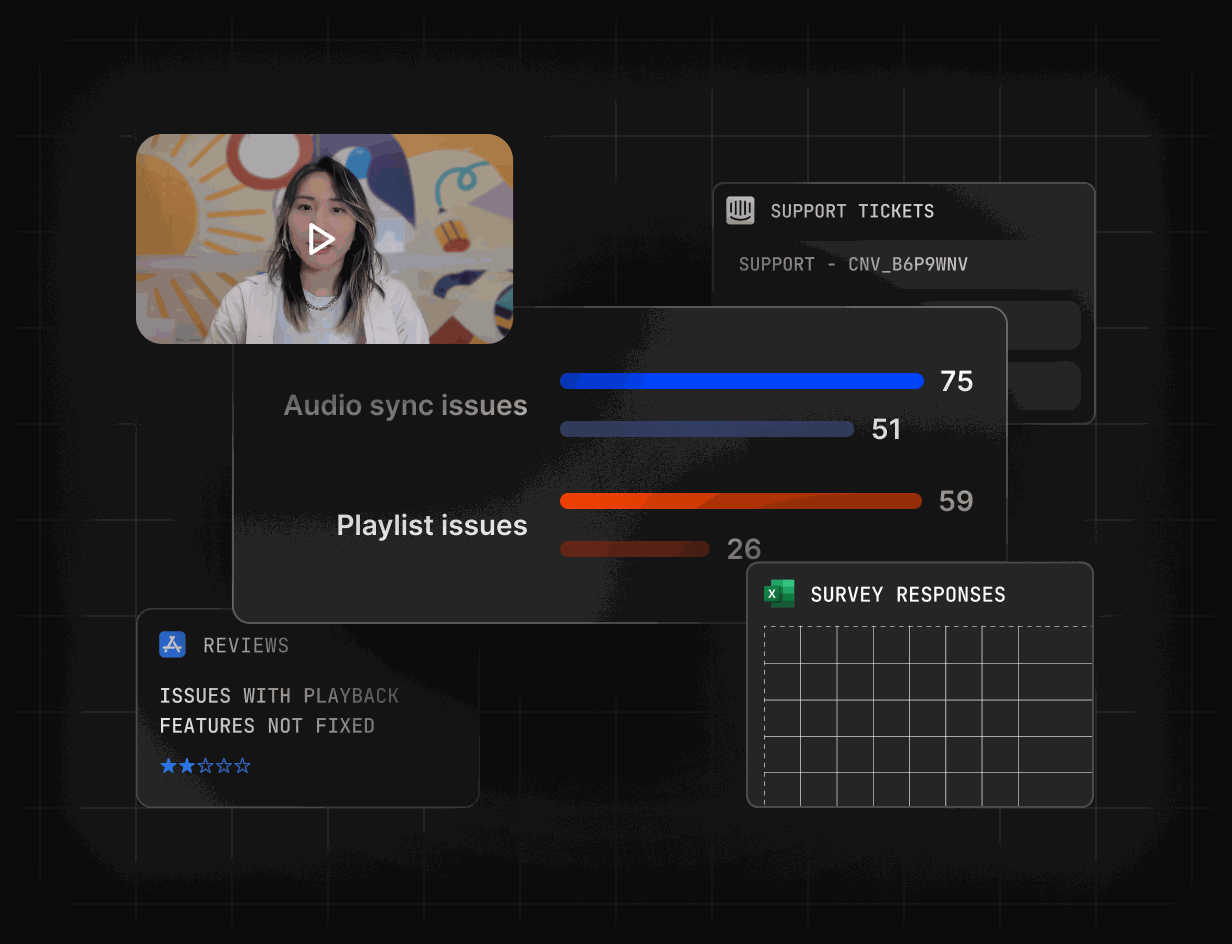
Set up six stages that match how you sell and require a reason whenever a deal moves to Lost. Every stage change is written to the timeline, so conversion reports rest on real history.
FAQs
Yes. The pipeline has six stages, moving a deal to Lost requires a reason, and you can add custom fields in ten types. Fields you retire are archived, not deleted.
Dashboards combine deal stage, value and close date with the activity on each deal, so stalled deals stand out before the forecast call instead of after it.
Yes. Workspaces have Owner, Admin and Member roles. Enterprise adds SSO/SAML, SCIM provisioning and an audit log of changes.
Import from CSV, HubSpot or Salesforce. Companies, contacts, deals and history come across with fields and stages mapped, so you can check everything before switching over.
Yes. Use the API to read and write records from your own systems, or connect Zapier to link Rilt with thousands of apps without code.